
AI in Recruiting

Minahil Mansoor

Last updated:
June 2026
Read time:
10
mins
Recruiters spend 30–40% of their working week on admin. Tasks like note-taking, data entry, candidate write-ups, follow-ups, and ATS updates count as admin. This is work that has to happen for recruiting, but generates zero meaningful pipeline.
With AI, there’s a lot of opportunity to automate the admin out of existence.
Below are 12 recruiter admin tasks that recruitment automation can handle today, with realistic time savings and clear labels so there's no confusion about what "automated" means.
Most recruitment automation content blurs three very different categories:
The time savings across these categories are not the same. The labels appear on every task below.
Time saved per recruiter per week: 5–8 hours
The biggest single win in recruitment automation. AI tools record every call (phone, video, in-person), transcribe it in seconds, and produce structured notes. No bot joining the call, no manual effort from the recruiter.
The catch: most AI notetakers only handle video calls. Recruiters make 91% of their candidate conversations over the phone. The tool needs to work across both, or half the problem stays unsolved.
Time saved per recruiter per week: 3–5 hours
ATS automation means the system records the call, transcribes it, generates the structured update (candidate stage, key findings, next steps), and pushes it directly into the candidate record. The copy-paste step disappears entirely.
The side effect: it also fixes the CRM data quality problem that's been dragging down pipeline reporting. Recruiters who stop updating the ATS manually will update it automatically.
Time saved per submittal: 30–45 minutes
The candidate submittal is the most frequently re-written document in recruiting. Same structure every time, different candidate every time. AI generates the first draft directly from the call transcript. The recruiter reviews, edits, sends. A 45-minute task becomes a 5-minute review.
"What used to take 30–45 minutes per candidate submittal is now done automatically." — Brian C., Managing Partner, G2 (based on verified user reviews)
Time saved per scorecard: 15–20 minutes
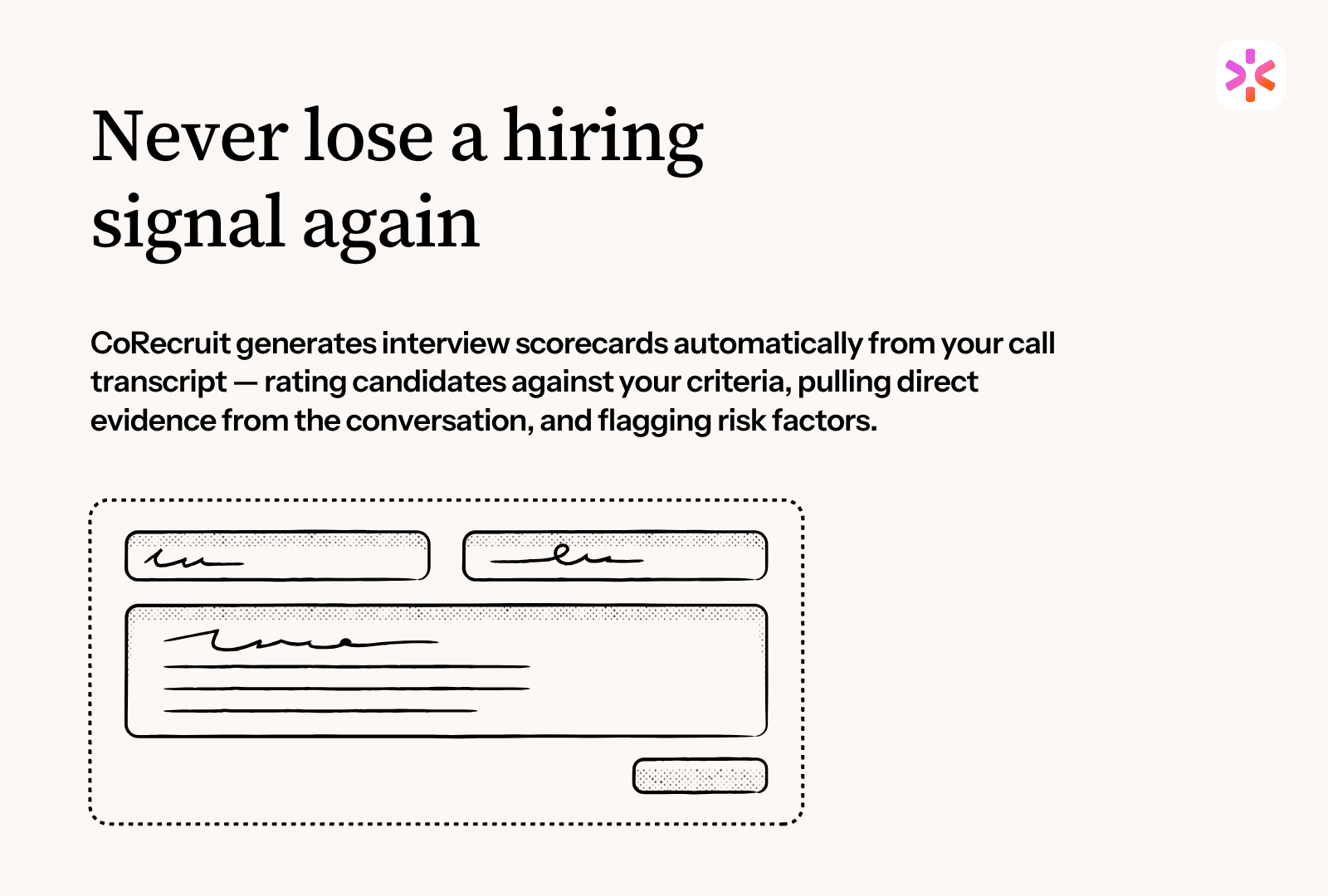
Interview scorecards occupy the awkward space between "necessary for hiring decisions" and "nobody fills them in properly." AI generates the scorecard from the interview transcript: rating the candidate against preset criteria, pulling evidence from the conversation, flagging risk factors.
When automated properly, scorecards become decision-making intelligence rather than a compliance checkbox.
Time saved per CV: 20–30 minutes
For agencies that brand-format CVs before sending to clients, AI handles 90% of the work: strip personal details, reformat to house template, polish the language, generate a candidate summary. The recruiter does a final review with any client-specific positioning. A 30-minute task becomes 5 minutes.
Time saved per email: 5–10 minutes
After every candidate or client call, there's a follow-up email confirming next steps, summarising the conversation, sharing material. AI drafts it from the call transcript. The recruiter personalises two lines and sends. Small per instance — but at 10+ calls per day across a team, it adds up fast.
Time saved per scheduled interview: 15–30 minutes
Scheduling is a solved problem in 2026. Tools like Paradox (Olivia), GoodTime, and Calendly handle candidate self-scheduling, multi-party coordination, reminders, rescheduling, and calendar updates across systems. If the team is still emailing back and forth to find a time slot, that's 10–15 hours per week across an agency waiting to be recovered.
Time saved per role: 5–15 hours
For volume hiring in hospitality, retail, healthcare, and warehousing, conversational AI can run initial candidate screens: qualification questions, availability, next-step scheduling. For boutique executive search, the first call needs to be human. For high-volume desks, this is the most transformative automation on the list.
Time saved per role: 2–4 hours
AI sourcing tools (Loxo, Eightfold, hireEZ, SeekOut) surface relevant candidates from databases, LinkedIn, and resume pools. But sourcing is not "set and forget." The AI generates a list; the recruiter still evaluates, qualifies, and reaches out. The real value is in coverage and recall — most vendors oversell the time savings here.
Time saved per JD: 30–60 minutes
Writing a JD from scratch takes an hour. Writing one with AI takes 10 minutes. The recruiter provides the role title, requirements, and constraints; the AI drafts the full JD in house style. General tools like ChatGPT or Claude and recruiting-specific platforms like Manatal both do this well in 2026.
But remember to make edits.
Time saved per reference: 15–30 minutes
AI transcribes, summarises, and structures reference call notes the same way it handles candidate interviews. It can also flag inconsistencies between what the candidate said and what the reference said, which is a useful signal for due diligence on senior placements. Agencies running structured reference processes save at minimum an hour per placement.
Time saved per week (managers): 2–4 hours
Managers spend hours weekly moving data from one system to another and looking at it sideways. AI features inside modern ATS platforms generate pipeline reports automatically and surface the insights that matter: which recruiters are converting BD calls, which roles are stuck, where pipeline is at risk. When managers stop pulling reports manually, they spend more time coaching. That's the real ROI.
For a 10-recruiter agency that implements the above:
The ROI is not in cutting headcount. It's in scaling revenue per recruiter: more BD, more placements, more pipeline, without the cost of additional people.
Of the 12 tasks above, CoRecruit automates six:
These six generate the largest time savings per recruiter per week. For the other six (scheduling, sourcing, JD writing, screening calls, reference checking, reporting), complementary tools exist — and CoRecruit integrates with most of them.
Start your 7-day free trial → corecruit.com. White-glove onboarding in 45 minutes. No credit card.
.svg)


%20LG.svg)

.svg)


