
Comparisons & Lists

Josh Kirkham
Last updated:
July 2026
Read time:
15
mins
AI notetaking is the most crowded software category of 2026. Every meeting platform now summarises the call, lists the action items, and emails the recap. But "AI notetaker" means something very different depending on who you are.
A recruiter screening 30 candidates a week needs structured candidate notes written back to the ATS. A sales rep needs CRM-ready summaries with deal signals. A founder with back-to-back meetings needs clean notes without a bot joining every call. A researcher needs themed insights synthesised across 15 user interviews.
One tool does not fit all of those jobs. This list covers 11 of the best AI notetaking apps in 2026, grouped by the job they actually do well.
These tools capture candidate calls, generate structured notes, and update the ATS automatically. The key differentiator from general notetakers: the output drives a hiring decision, not just a meeting recap.
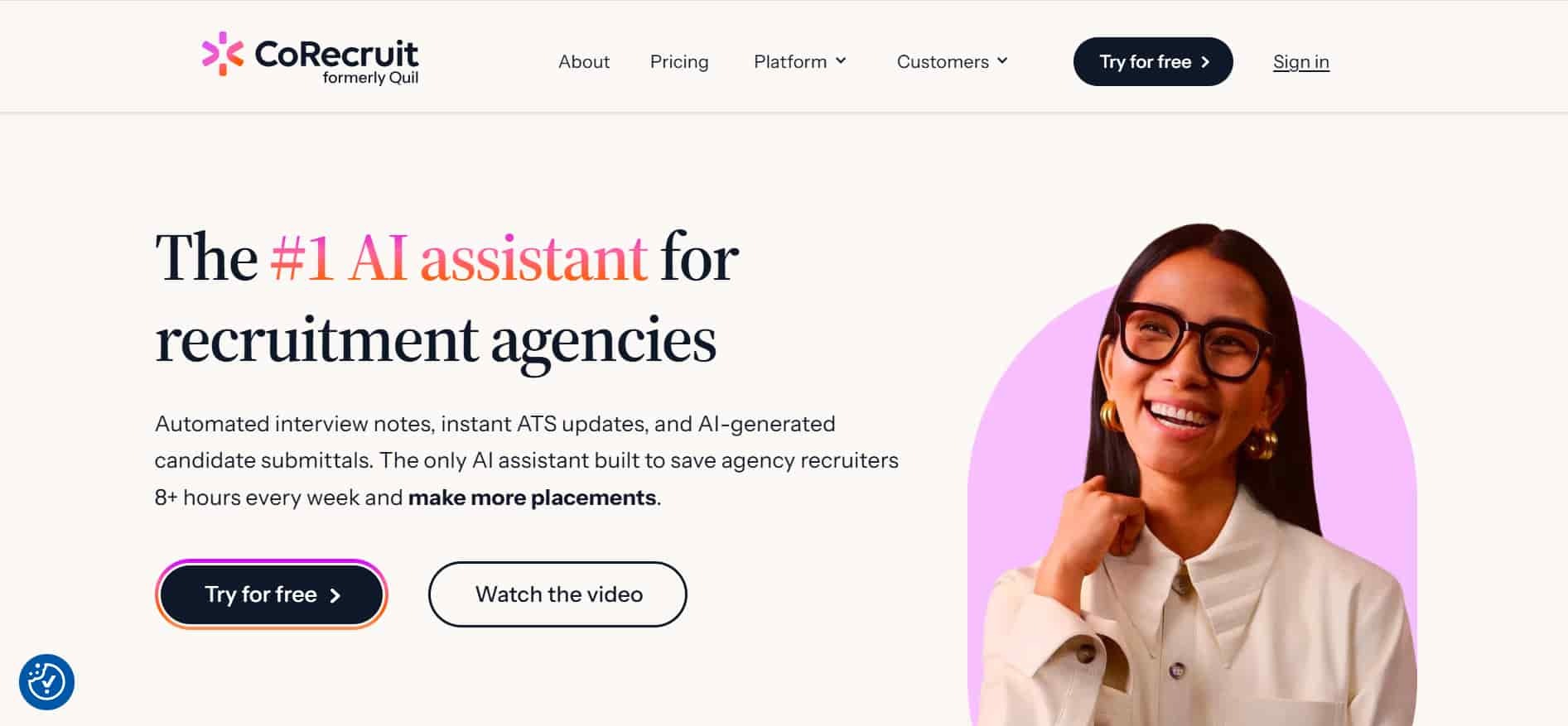
Best for: staffing agencies and executive search firms
CoRecruit is the only AI notetaker built specifically for staffing agencies and executive search firms. It records every call — phone, video, and in-person — without a bot, transcribes it, generates structured candidate notes, and pushes the update directly into the ATS. No copy-paste, no manual data entry.
That matters because 91% of recruiter conversations happen over the phone. Every general-purpose notetaker on this list was built for video meetings. CoRecruit was built for how recruiting actually works.
What you get:
Where it falls short: Built for staffing agencies and executive search firms. Not designed for in-house TA teams or non-recruiting use cases.
Pricing: 7-day free trial, no credit card required.
"CoRecruit recovers five hours a week through effortless Bullhorn integration." — Allister Duncan, Defined Calculus
"CoRecruit captures every nuance for more effective candidate pre-screening." — Jamila Prieto, Ellaway Blues Consulting
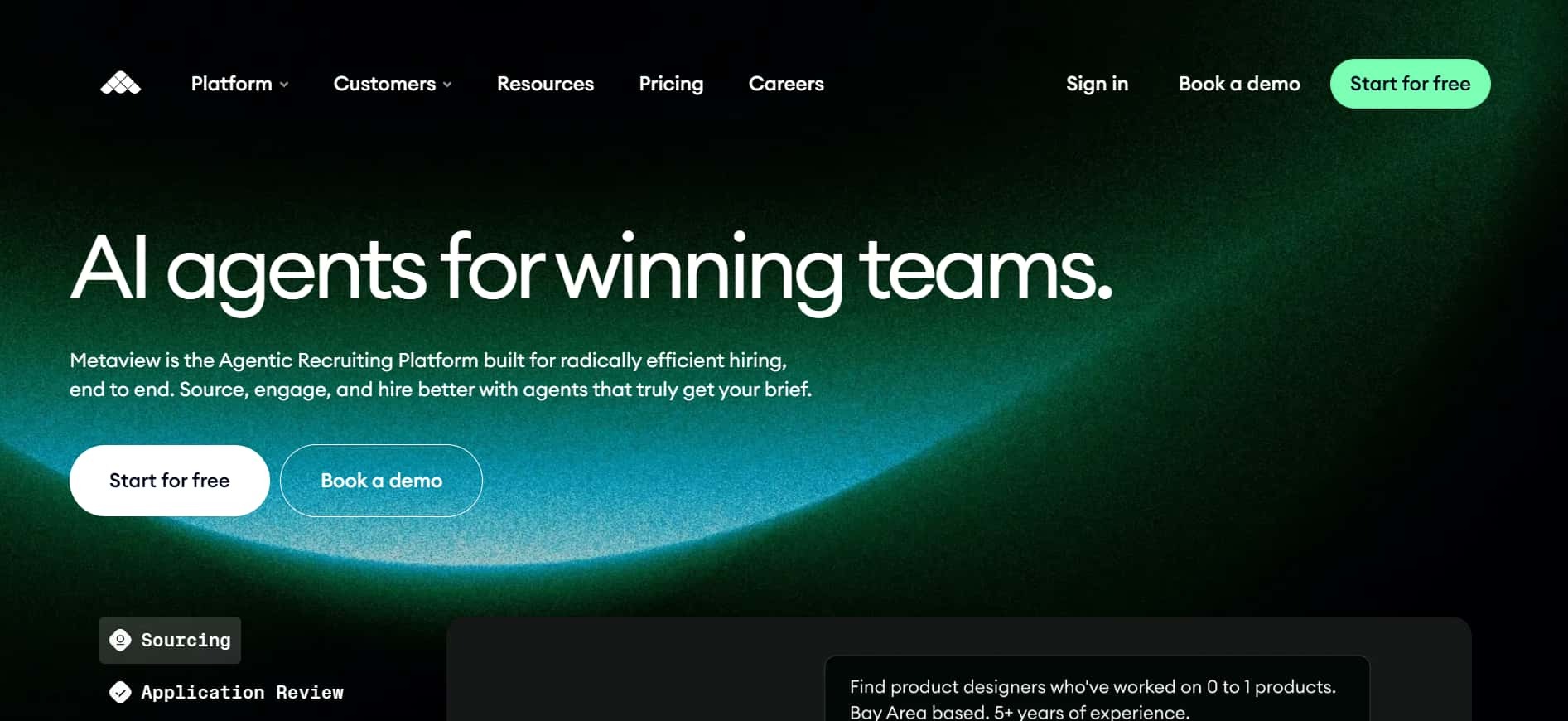
Best for: in-house talent acquisition and corporate TA teams
Metaview maps candidate answers against a competency rubric, fills scorecards, and writes structured reports back to Greenhouse, Ashby, Lever, and Bullhorn. For corporate TA teams running structured interview processes, it's the strongest option available.
What you get:
Where it falls short: Built primarily for video interviews. Better suited to corporate TA teams than staffing agencies and executive search firms running high volumes of phone calls. Pricing requires a sales conversation.
These tools are built for the individual: clean notes without a bot, no system integrations required, and minimal setup.
Best for: founders and operators with back-to-back calendars
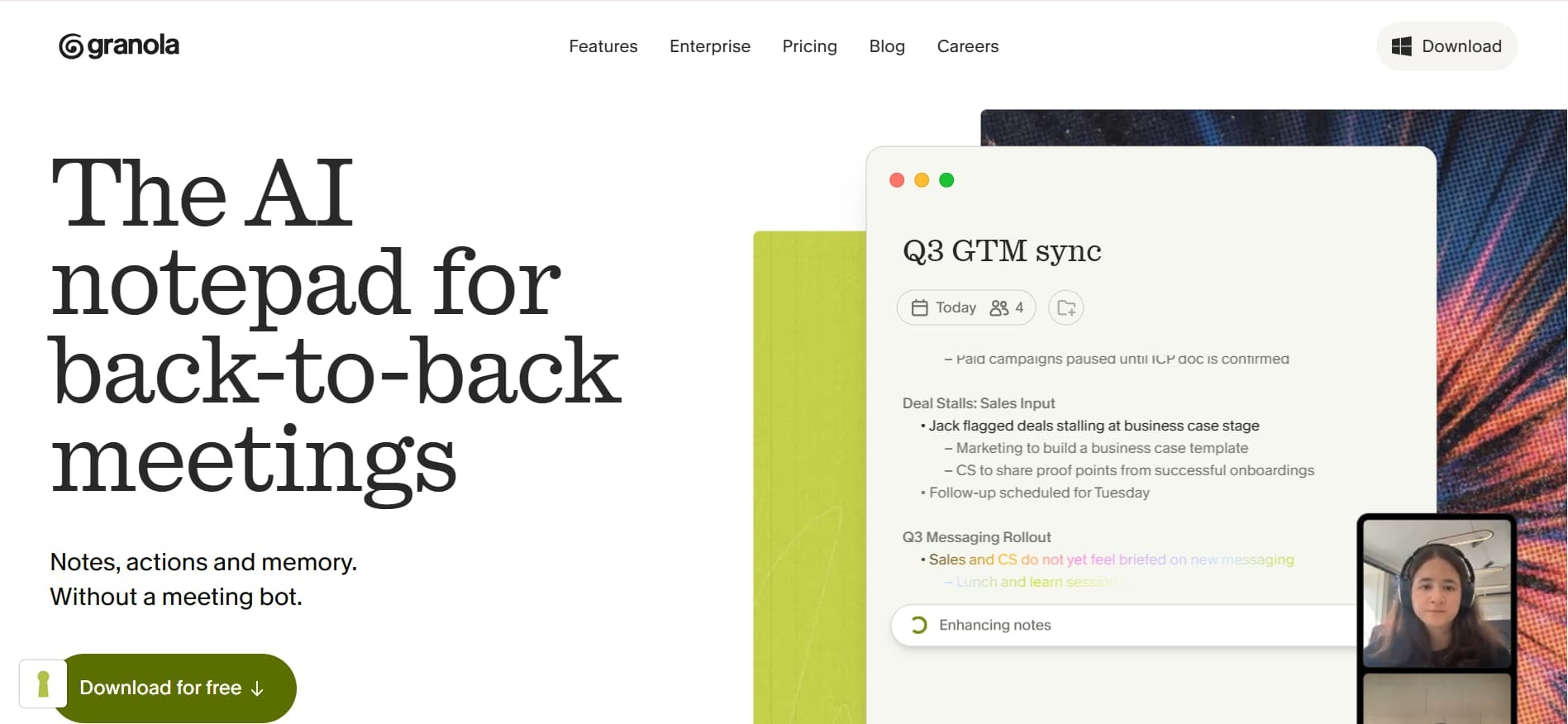
Granola runs locally on Mac, doesn't join calls as a visible participant, and produces polished notes shaped by rough scribbles typed during the meeting. The pitch is straightforward: most AI notetakers send a bot that changes the dynamic in client conversations. Granola sits on the laptop, listens, and writes.
What you get:
Where it falls short: Mac-only. No native CRM or ATS write-back. The output is excellent for a person, not for a system that needs structured data.
Pricing: 25 meetings free, then $18/user/month.
Best for: individuals wanting free unlimited recording
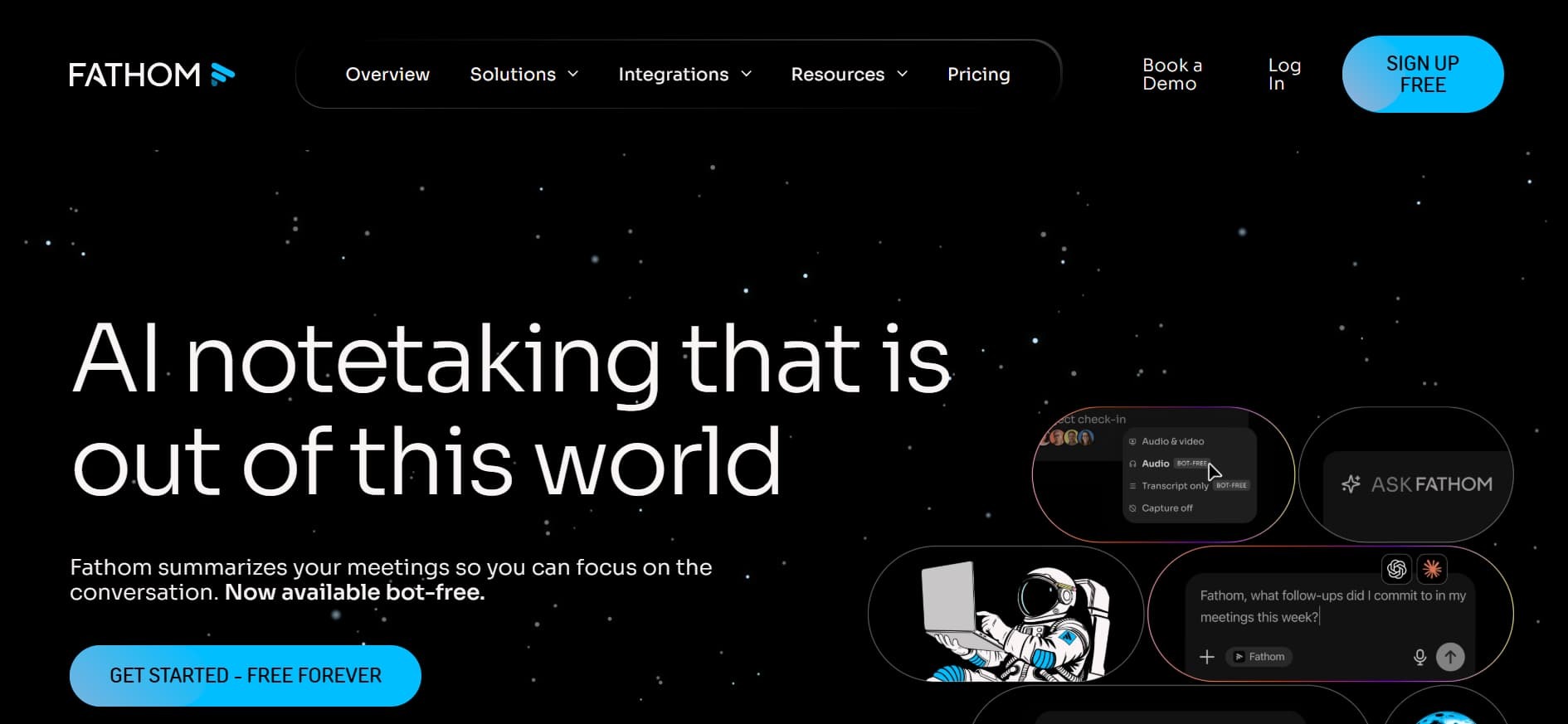
Fathom's differentiator is the free tier: unlimited recording and transcription with no per-meeting cap. For anyone testing AI notetaking before committing to a team tool, it's the lowest-friction entry point in the category.
What you get:
Where it falls short: Video-only. No ATS integrations on the free plan. Works well as a personal productivity tool; not a team system.
Pricing: Free tier unlimited. Paid from $15/user/month.
These tools prioritise breadth: capture across every platform, integrate with everything, and produce a solid meeting summary for any use case.
Best for: cross-functional teams needing one notetaker across many use cases
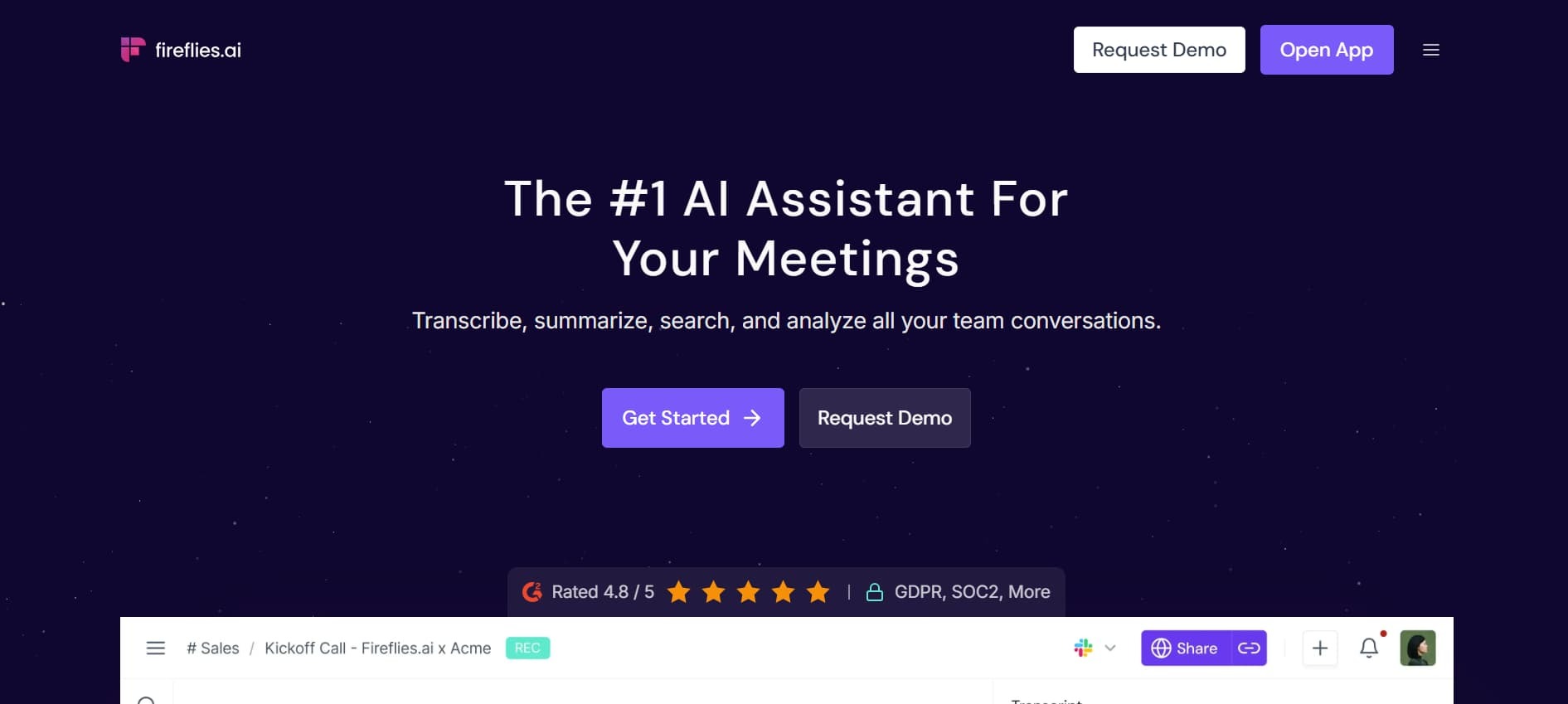
Fireflies is the volume leader in general-purpose AI notetaking. The bot joins almost any meeting platform, transcribes the call, and produces structured summaries with action items and sentiment tags.
What you get:
Where it falls short: Optimised for breadth, not depth. For specialised workflows — recruiting, sales coaching, user research — a category-specific tool will always produce more useful output.
Pricing: Free tier available. Paid from $10/user/month.
Best for: teams wanting live real-time transcription
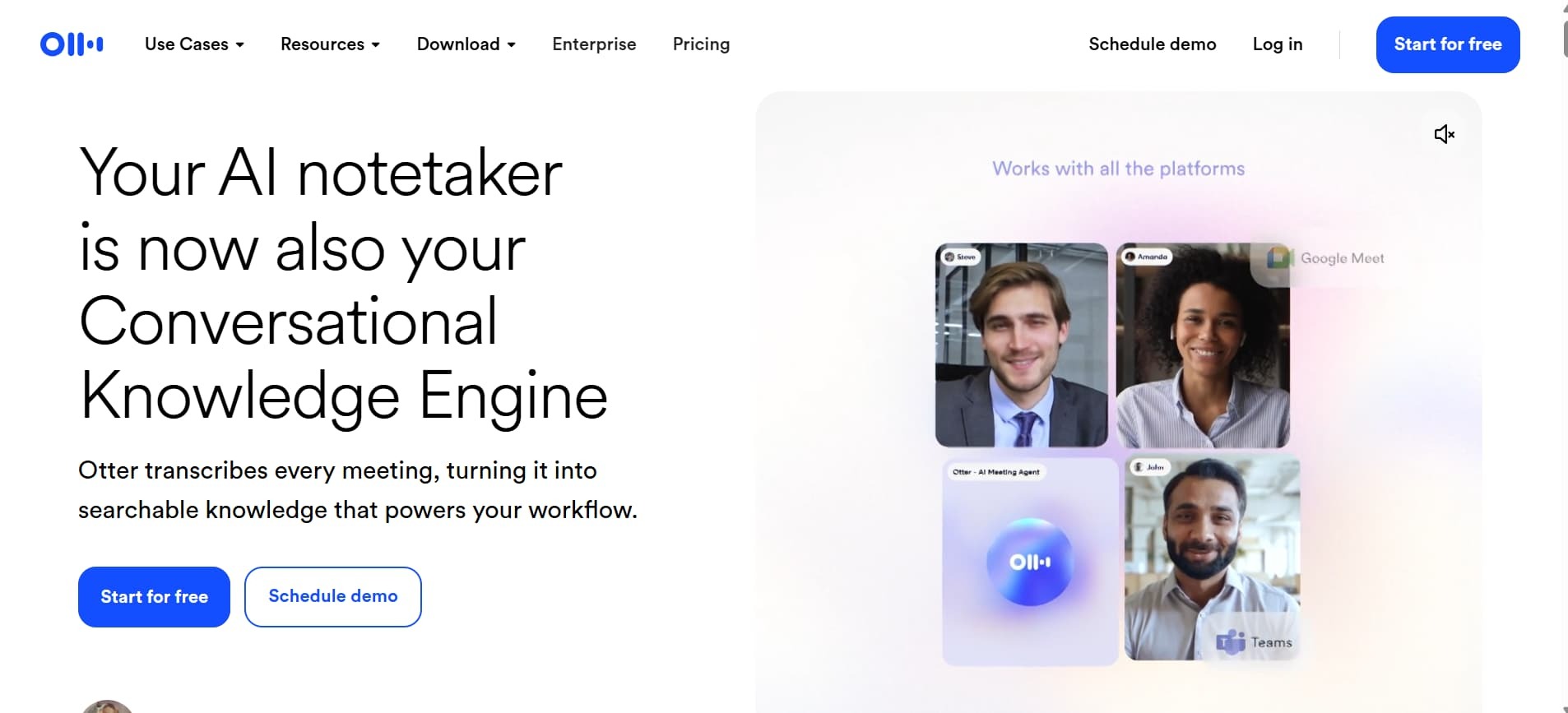
Otter AI is one of the original AI transcription tools and still one of the most searched at 135,000 monthly searches. Its standout feature is real-time transcription during the meeting — the transcript appears on screen as the conversation happens, which makes it uniquely useful for accessibility, live review, and async participants following along.
What you get:
Where it falls short: Established but not the most sophisticated option in 2026. Output lacks the workflow-specific depth of tools like Metaview or Gong. Better known than it is differentiated.
Pricing: Free tier available. Paid from $10/user/month.
These tools go beyond transcription into conversation intelligence: deal signals, rep coaching, forecast data, and CRM updates derived from what's said on calls.
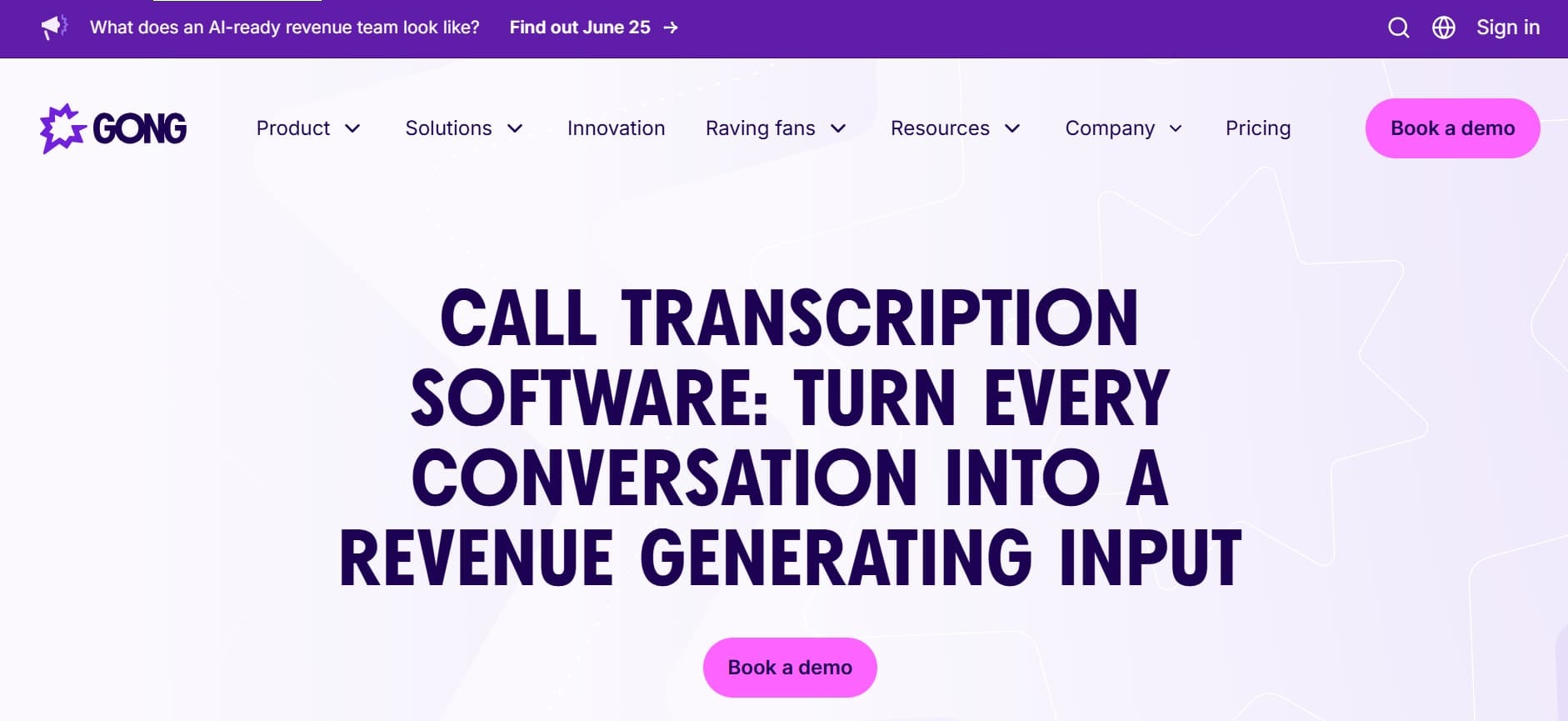
Best for: large sales organisations where call data drives the forecast
Gong is the category-defining revenue intelligence platform. The notetaker is one layer of a much wider product: deal coaching, forecast confidence, rep performance analytics, and conversation intelligence across the whole sales organisation.
What you get:
Where it falls short: Enterprise pricing and complexity. Not a fit for small sales teams or any non-sales use case. If the need is notes rather than revenue intelligence, a much simpler tool will do the job.
Pricing: Quote-based.
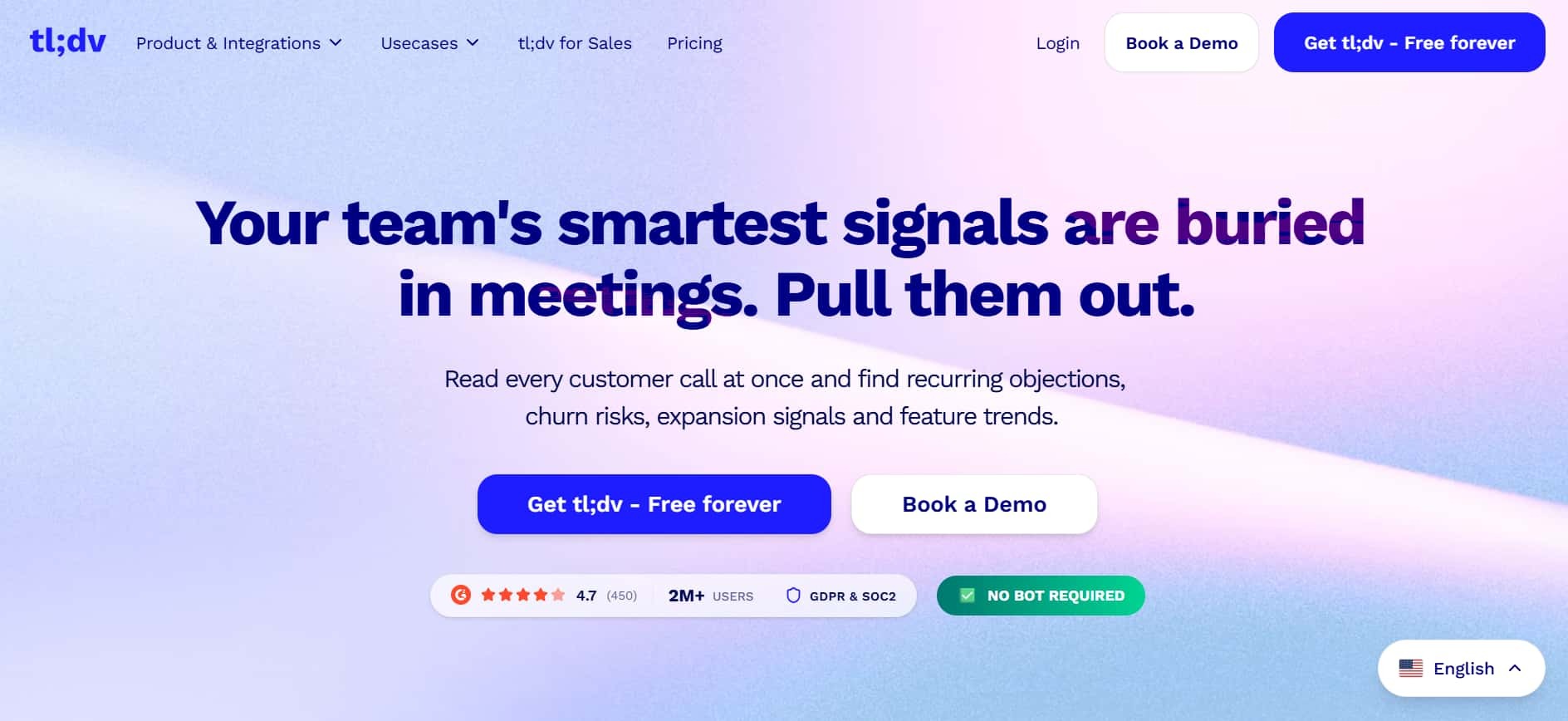
Best for: sales and CS teams sharing short call clips asynchronously
tl;dv (too long; didn't view) transcribes and summarises, but the standout feature is clip generation: any 30-second moment becomes a shareable highlight reel sent over Slack without anyone watching the full recording.
What you get:
Where it falls short: The clip-sharing feature is the differentiator. For teams that don't share clips internally, it's a more expensive version of Fathom or Fireflies.
Pricing: Free tier available. Paid from $18/user/month.
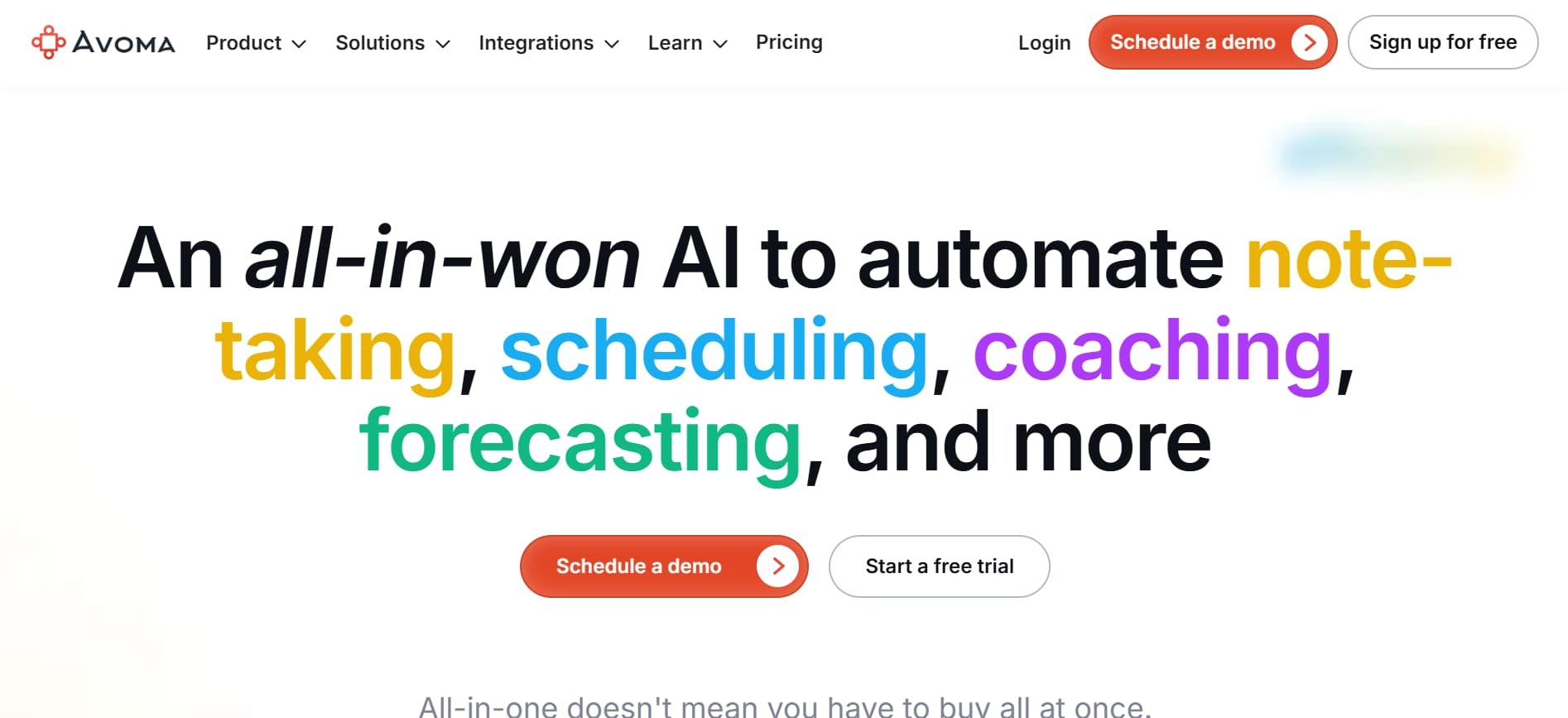
Best for: revenue ops teams that want notes, scheduling, and coaching in one platform
Avoma covers meeting notes, scheduling, call coaching, and CRM updates without needing separate tools for each. For mid-market revenue teams that find Gong too expensive and too complex, it's the practical middle ground.
What you get:
Where it falls short: Doing four things means not doing any of them as deeply as a specialist. Best when simplicity of one platform matters more than depth in any single area.
Pricing: Free tier available. Paid from $19/user/month.
These tools are built for synthesis: digesting long documents, connecting ideas across sources, and producing structured insight rather than a meeting recap.
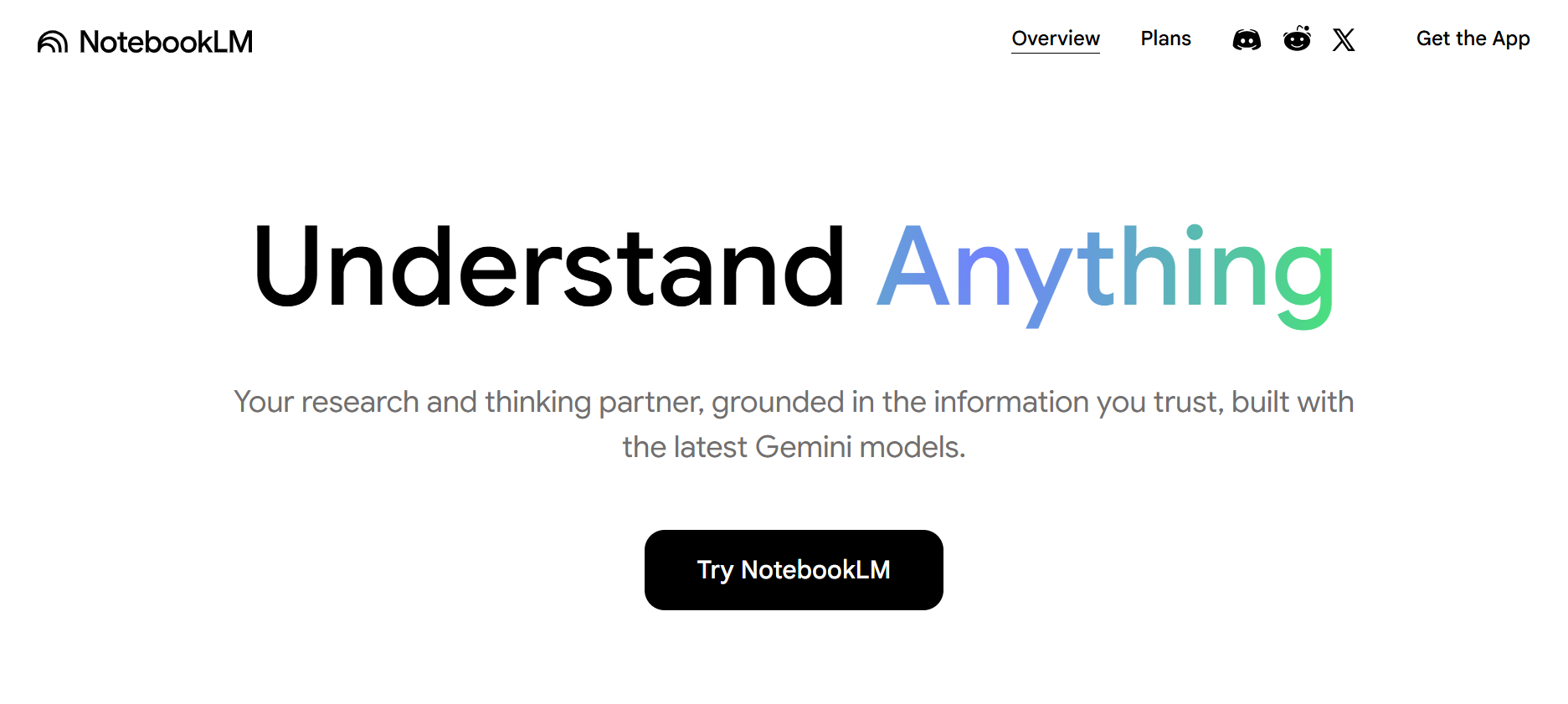
Best for: researchers synthesising across multiple documents and sources
NotebookLM by Google is purpose-built for research. Upload documents, PDFs, or URLs and it creates a grounded AI that only answers questions based on those sources — no hallucinations from outside the source material. Its Audio Overview feature turns uploaded notes into a realistic AI podcast discussion, which is genuinely useful for absorbing dense material on the move.
What you get:
Where it falls short: Not a meeting notetaker. No calendar integration, no real-time transcription, no action item detection. Built entirely for document-based research, not live conversation capture.
Pricing: Free (Google Labs).
Best for: teams building a connected, queryable knowledge base
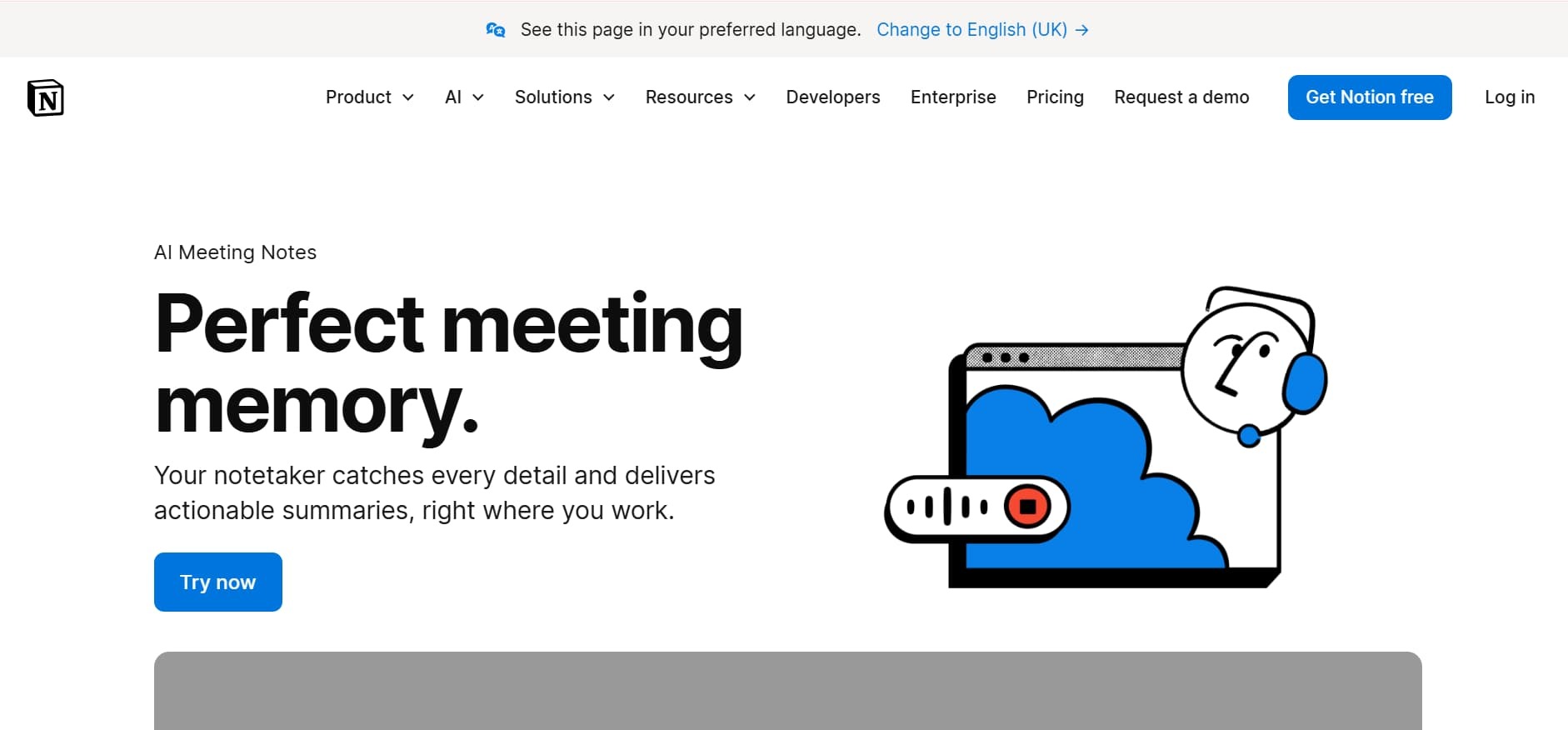
Notion AI sits inside the world's most popular all-in-one workspace. It summarises long pages, generates action items from meeting notes, rewrites text for different audiences, and lets anyone query the entire Notion workspace through natural language. For teams already living in Notion, it's the lowest-friction AI layer available.
What you get:
Where it falls short: The AI is only as good as what's already in Notion. It enhances an existing knowledge base; it doesn't replace a dedicated meeting notetaker for live call capture.
Pricing: Free tier available. Notion AI add-on from $10/user/month.
.svg)


%20LG.svg)

.svg)


