
Comparisons & Lists

Josh Kirkham
Last updated:
June 2026
Read time:
18
mins
Every AI meeting assistant on the market makes the same pitch: join your call, transcribe it, and hand you a summary. The demos look great, and the pricing looks reasonable. And then you realise most of them were built for one scenario: someone opens Zoom, a bot joins, and a neat recap appears afterwards inside your email.
That works fine if your day is back-to-back video meetings. It's less useful when most of your conversations happen over the phone, which, for recruiters at third-party staffing agencies, is 91% of the time.
This list covers nine AI meeting assistants worth using in 2026. The evaluation weighs phone call support, botless recording, integration depth, and whether the tool reduces admin load.
Before getting into the list, the criteria:
Platforms: Phone calls (VoIP and mobile), Zoom, Google Meet
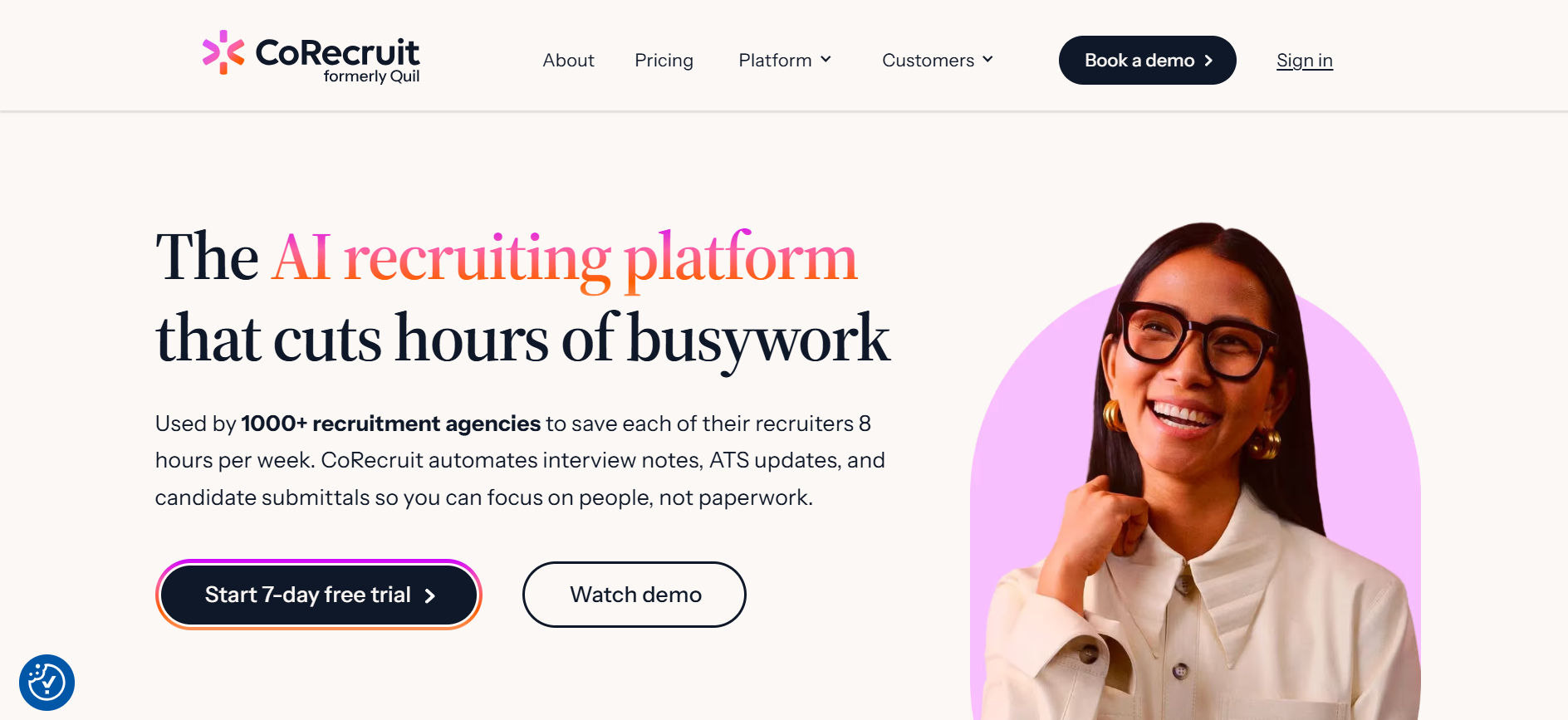
CoRecruit is the only tool on this list built specifically for third-party staffing agencies. Everything else is a general-purpose AI meeting assistant. CoRecruit starts from the fact that 91% of recruiting conversations happen over the phone and builds a large chunk of the product to support that.
Here's what the features look like in practice:
For high call-volume environments, the compounding time saving is the whole value proposition that 1000+ recruitment agencies vouch for. Every other tool on this list reduces the cost of one note-taking session. CoRecruit removes the note-taking and the data entry in a single step, across every call.
Platforms: Zoom, Google Meet, Microsoft Teams
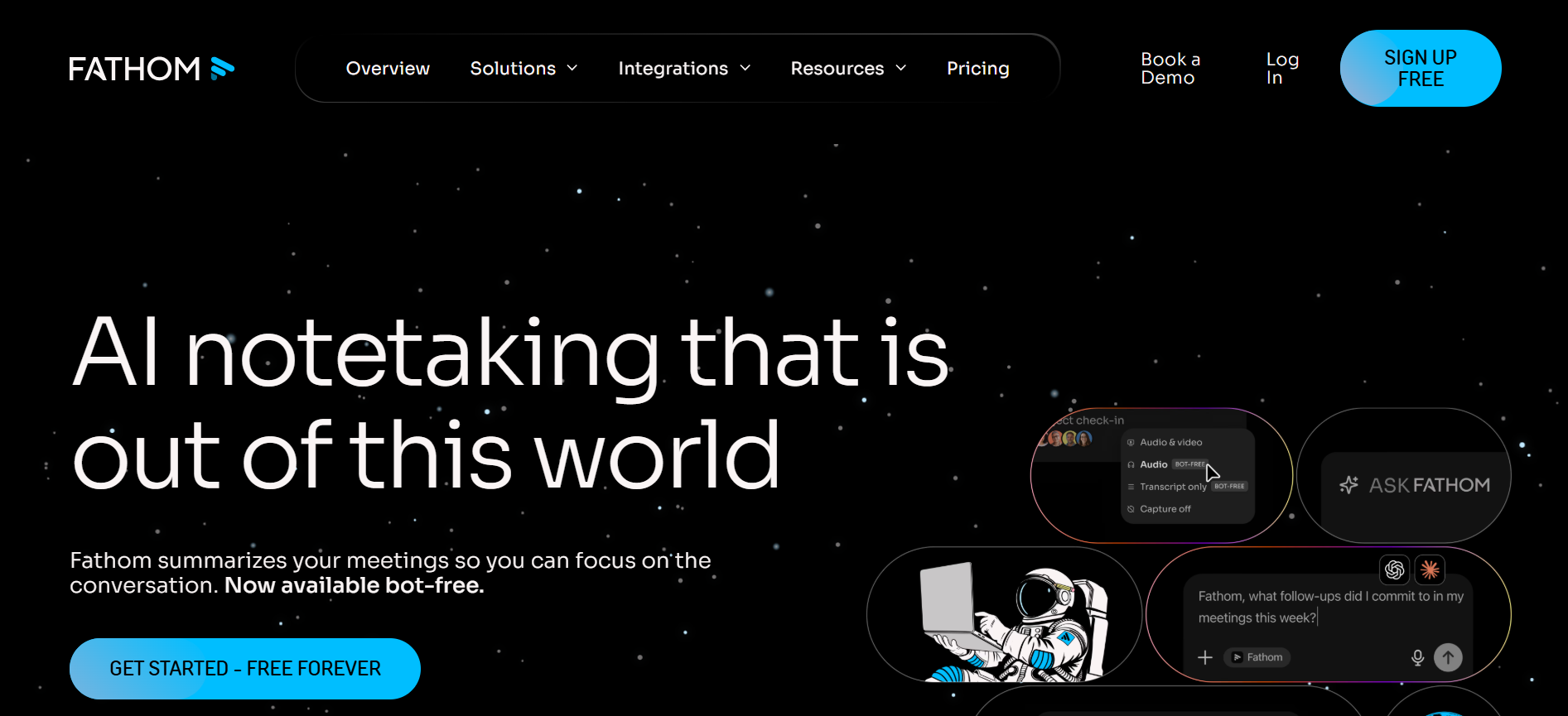
Fathom's pitch is simple: completely free for individuals, and it actually delivers on that. Unlimited transcription, meeting summaries, and one-click CRM sync, no cap on recordings, no watermark, no gutted feature set designed to force an upgrade. Most free tiers in this category are traps. This one isn't.
After a call ends, Fathom lets you clip key moments into short shareable videos, a useful way to pass specific highlights to colleagues without making them sit through a full recording. Copied content pastes out already formatted, which is a small but genuinely appreciated touch.
The paid Team plan adds coaching analytics, keyword alerts that fire when specific phrases come up on calls, and deeper CRM automation. Useful for managers tracking whether certain conversations are happening at the right point in the process.
The main problem: Fathom is video-only. Phone calls don't exist in its world, and there's no ATS integration.
Fathom pricing: Free for individuals; Team plan from $15/user/month (billed annually).
Platforms: Zoom, Google Meet, Teams, Webex, GoTo Meeting, Skype, Dialpad, Lifesize, Jitsi
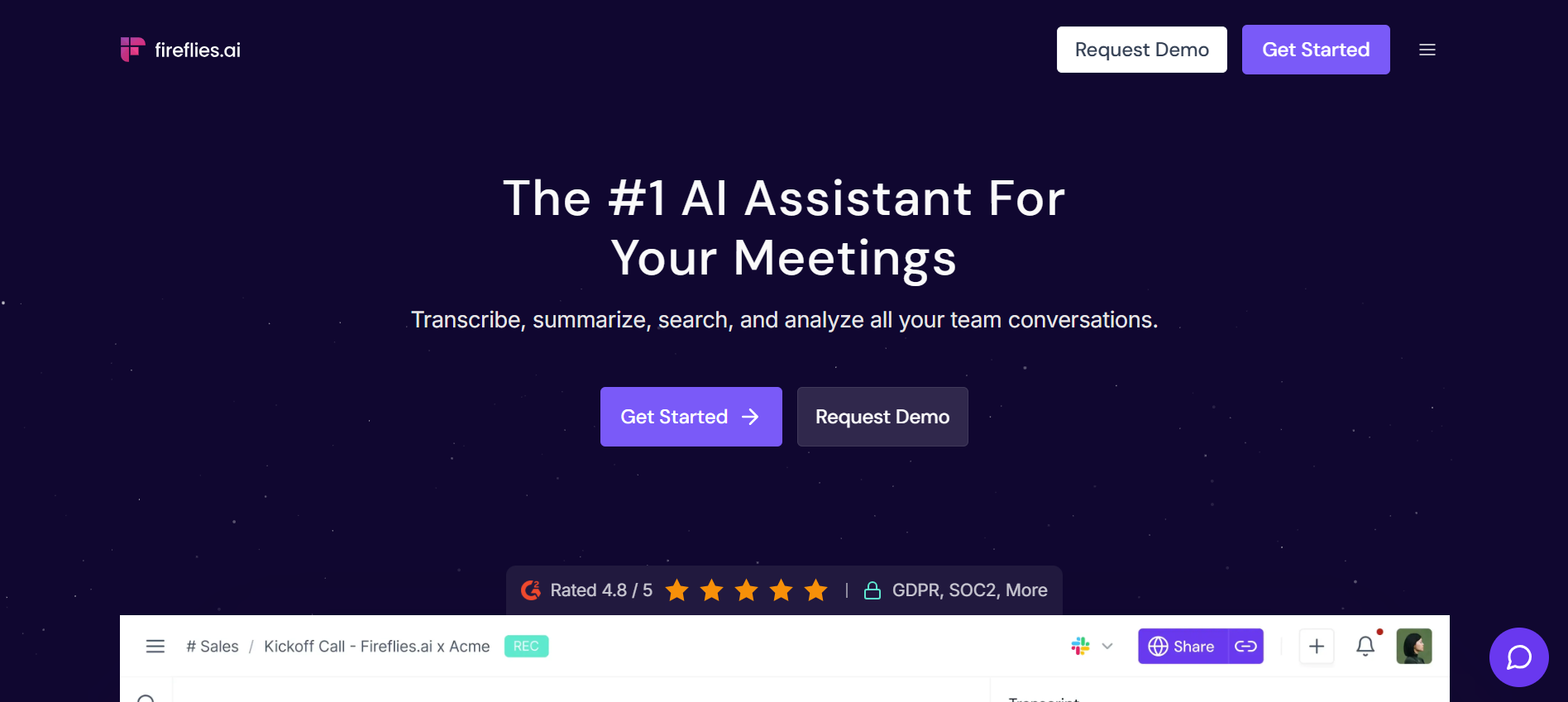
Fireflies indexes every transcript it produces, so you can search across months of calls by keyword, speaker, topic, date, or sentiment. That searchability is the core value: finding what someone said in a specific call three weeks ago takes seconds rather than a full playback.
The topic-tracking feature lets you define custom categories, whatever's relevant to your workflow, and Fireflies flags every instance across your call library automatically. At scale, that's a useful signal for spotting patterns in where conversations stall or where specific subjects consistently come up.
AskFred, the built-in AI assistant, answers natural language questions about any meeting. Soundbite clipping lets you share specific moments rather than full recordings. Sentiment analysis runs automatically across every call.
The honest limitations: Fireflies uses a bot that joins as a visible participant. Phone call support exists through a dial-in number but isn't as clean as native VoIP support. ATS integration outside of Salesforce and HubSpot relies on Zapier. Some screens are cluttered enough to slow down navigation.
Fireflies.ai pricing: Free plan with unlimited transcription and 800 minutes of storage; paid plans from $10/user/month (billed annually).
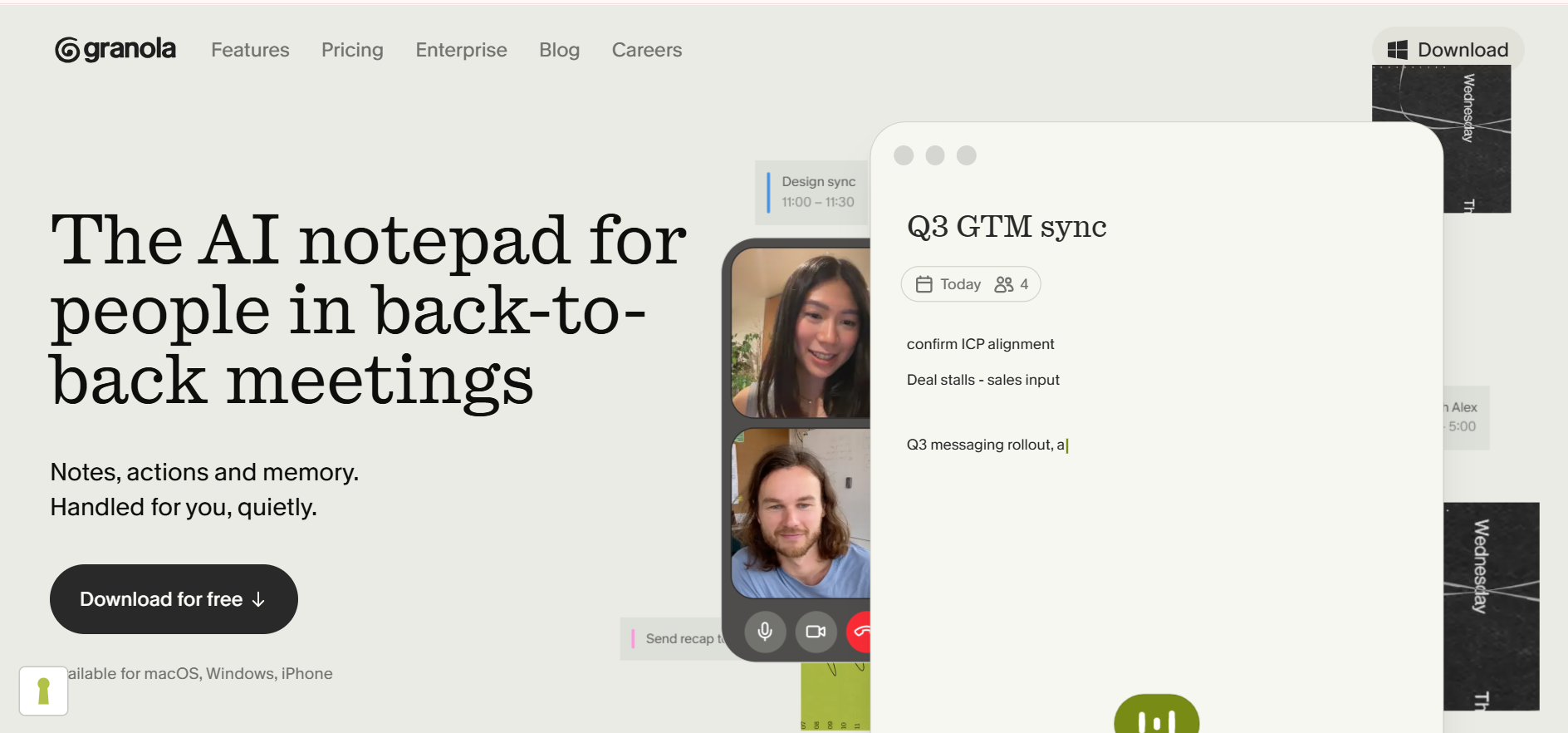
Platforms: All (device-level audio capture)
Granola is the AI note taker people keep recommending to each other right now, and the reason is the note-taking model rather than the feature count. Instead of joining calls as a bot, it runs on your device and captures audio locally, which means it works with any platform your computer's microphone can reach, including VoIP tools and browser-based calling.
During a call, you jot down rough bullets as the conversation happens. After the call, Granola uses the full transcript to expand those bullets into complete, structured notes. The result reads like something a thorough human wrote, because a human actually started it. If you prefer staying engaged in a conversation rather than typing throughout it, that model is hard to beat.
Custom meeting templates let you define the structure for different call types so output is consistent. The interface is minimal and distraction-free, no dashboard clutter.
Worth knowing: inbound phone calls aren't supported on iOS, which matters for anyone who receives as many calls as they make. No video playback, and native integrations are limited to HubSpot, Slack, and Notion (Zapier covers the rest). The free plan locks you out of notes older than 30 days.
Granola pricing: Free plan available; paid plans from $14/month (unlimited transcripts).
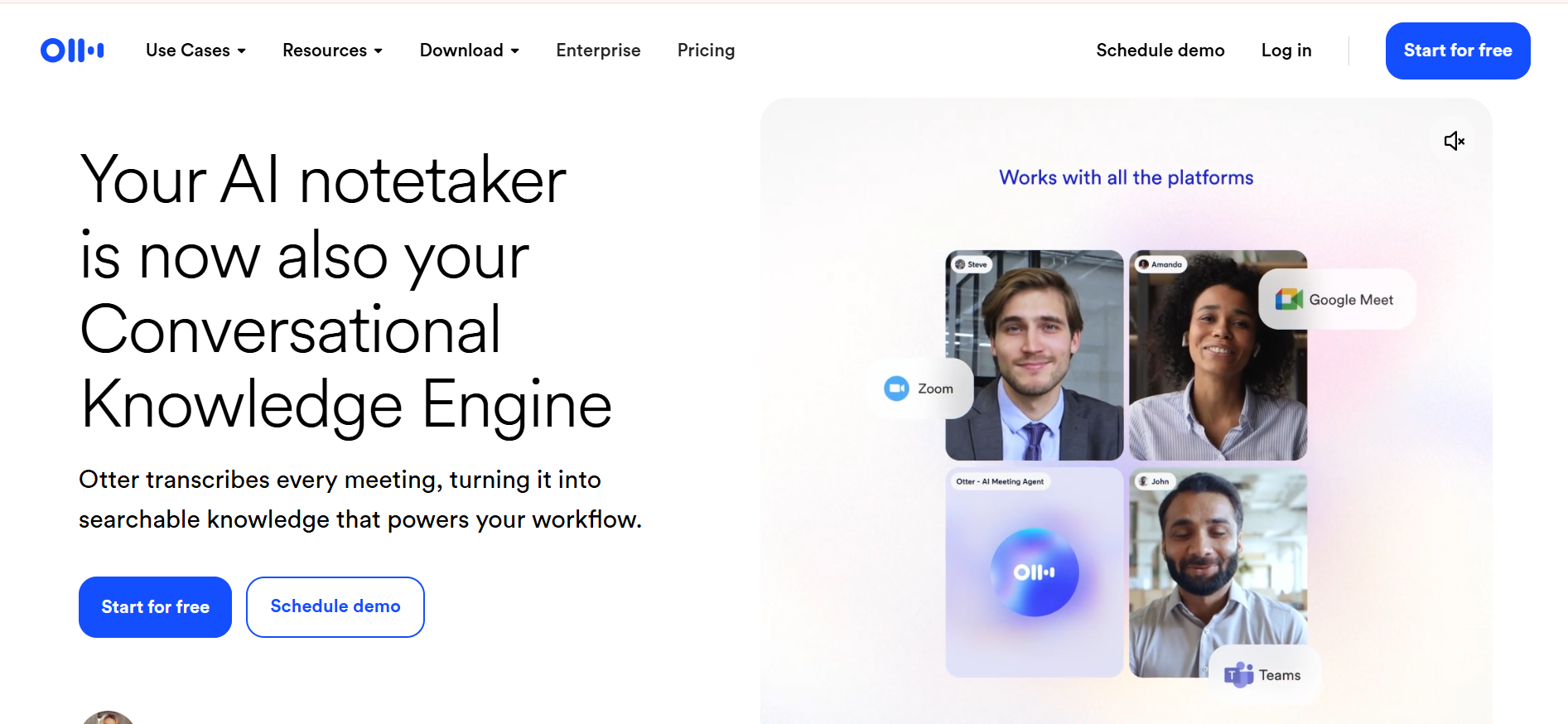
Platforms: Zoom, Google Meet, Microsoft Teams
Otter's differentiation is the chat interface it puts over transcripts. Instead of skimming a wall of text after a meeting, you ask questions: "Was I assigned any follow-up tasks?" "What did we decide about the timeline?" "Were there any open items?" The AI pulls answers directly from the transcript and responds in plain language.
For anyone running multiple calls a day, that Q&A layer is faster than reading a full recap. Workspace channels extend it to teams, shared calls can be queried by multiple people, with the ability to tag colleagues on action items without leaving the platform.
The 300-minute monthly free plan fills up fast in a high-volume environment. Transcription accuracy drops on technical or industry-specific language, which is worth testing before committing.
Video-only, bot joins as a visible participant.
Otter.ai pricing: Free plan for up to 300 minutes/month; paid plans from $8.33/user/month (billed annually).
Platforms: All (device-level audio)
Krisp installs on your device, adds virtual audio inputs and outputs, and processes everything locally, which means no bot joining any call, ever. It works with Zoom, Teams, Meet, VoIP dialers, browser-based calling tools, or anything else that uses your computer's microphone.
The headline feature is noise cancellation: Krisp filters out background chatter, keyboard noise, and ambient sound before your audio reaches the other party. For anyone working in a noisy environment, it's a meaningful quality improvement that has nothing to do with AI transcription. That said, transcription and meeting summaries are included and perform comparably to the rest of the field.
What Krisp doesn't have is workflow depth, no ATS push, no built-in CRM sync, no coaching analytics. It's a good option on this list for audio quality and botless recording across platforms.
Krisp pricing: From $8/user/month (billed annually).
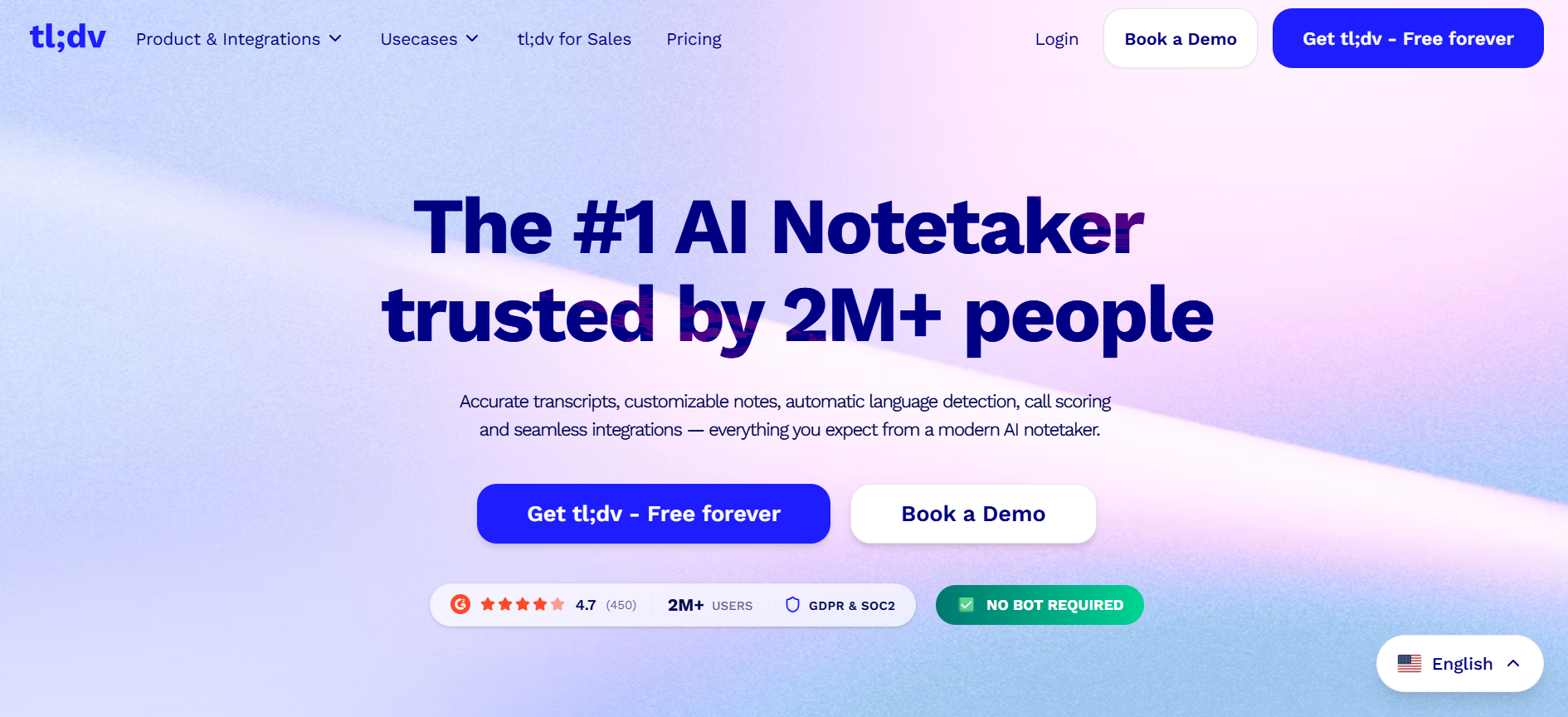
Platforms: Zoom, Google Meet, Microsoft Teams
tl;dv is built around one specific problem: when you've accumulated months of recorded calls, finding anything specific is painful. The AI search takes natural language prompts and returns relevant clips and transcript excerpts from across your entire library, without forcing you to scrub through recordings.
Scheduled AI reports extend the usefulness further: define a set of calls, a prompt, and a delivery frequency, and tl;dv compiles automated recaps to Slack or your CRM on a schedule. A weekly digest of all calls matching a certain filter, compiled without manual effort, is a realistic and genuinely useful output.
The free plan covers unlimited transcription with no seat limit, one of the most generous on this list. Paid tiers unlock AI search, reports, and CRM integrations.
One real limitation to flag: tl;dv's servers occasionally fail to join a meeting under load. For time-sensitive calls, that's a failure mode worth stress-testing before relying on the tool.
tl;dv pricing: Free plan with unlimited transcription; paid plans from $18/user/month (billed annually).
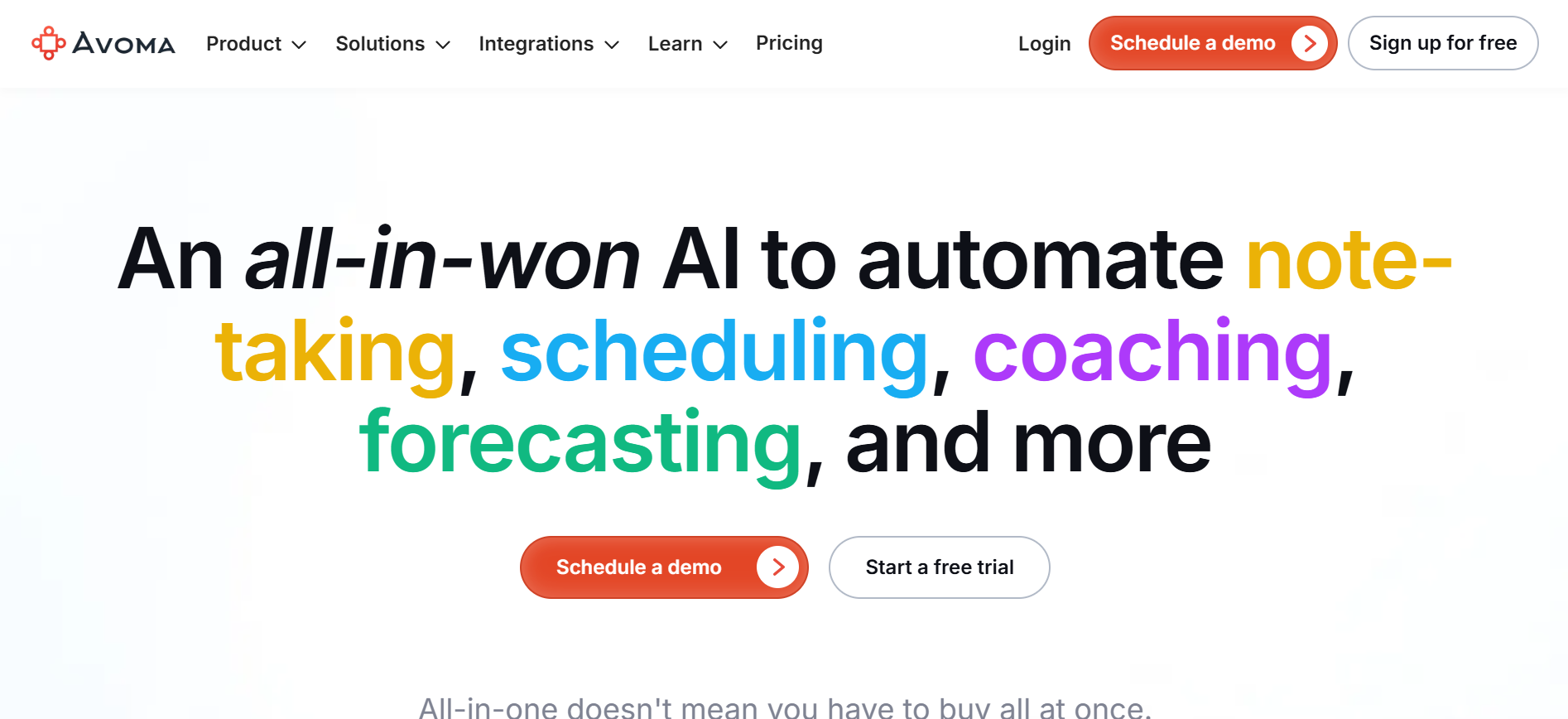
Platforms: Zoom, Google Meet, Teams, dialers, and CRM tools
Avoma goes further than any other tool on this list in analyzing what happens during a call, not just recording what was said. It tracks talk-to-listen ratio, filler word frequency, monologue length, topic distribution, competitive mentions, and generates AI scores per call. For managers trying to improve how a team conducts conversations, that data is immediately actionable rather than anecdotal.
The competitive tracking feature stands out: Avoma logs every time a competitor is mentioned on a call, and whether the associated deal was won or lost. Over time, that correlation surfaces patterns that are difficult to spot any other way.
Native CRM integrations cover Salesforce, HubSpot, Copper, and Pipedrive. The pricing reflects the team-management positioning, it makes more sense as a manager-level investment than a per-user productivity tool.
Partial dialer support exists, but the primary experience is video-meeting-based.
Avoma pricing: From $19/recorder/month (billed annually).
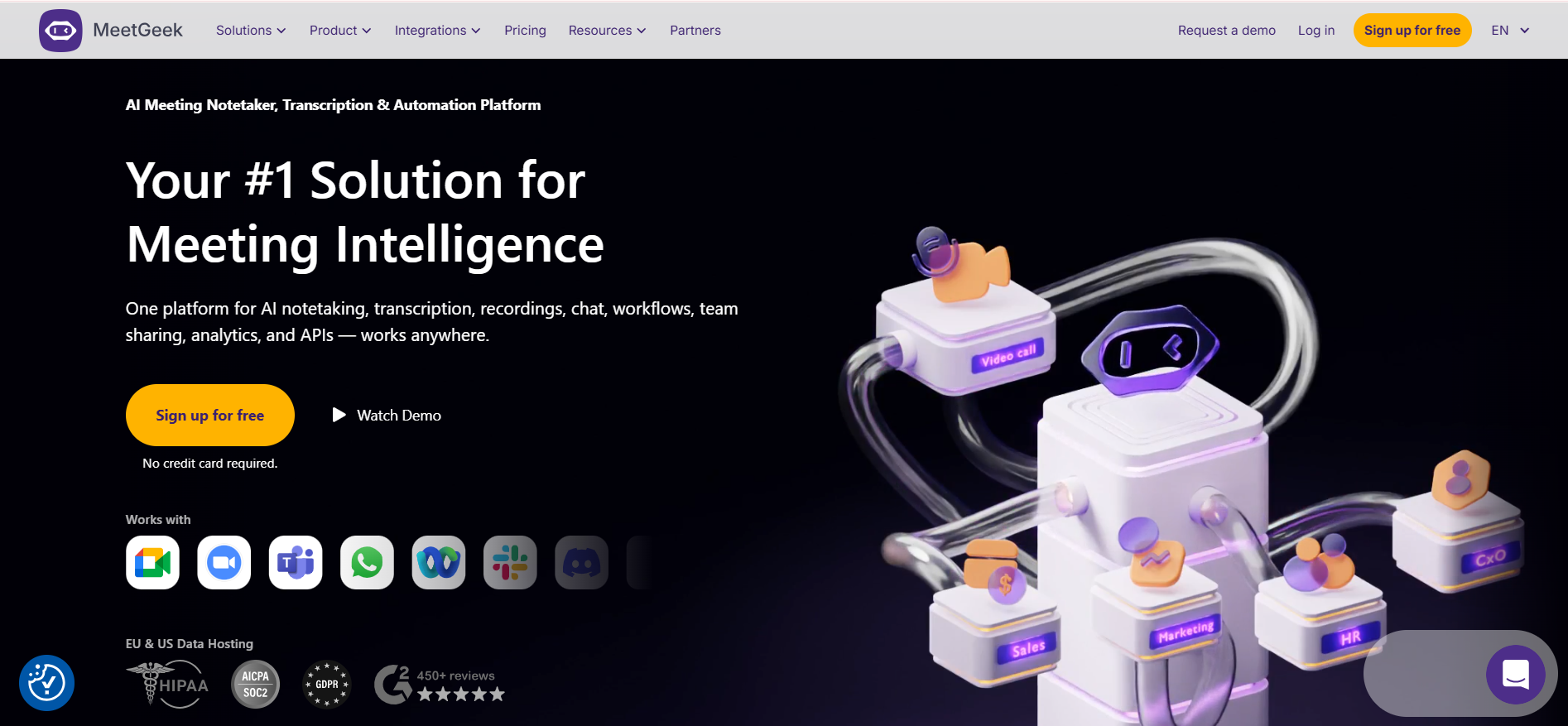
Platforms: Supports most video conferencing platforms
MeetGeek is the furthest along on the voice agent trend, bots that actively participate in meetings rather than just quietly recording them. You configure an agent with a name and a set of instructions, and it joins calls to ask structured questions, follow up on answers, and respond to basic queries from the other participant.
The use cases span standups, structured interviews, intake calls, and sales pitches. Pre-built templates include an AI recruiter that runs screening questions with candidates, an AI SDR for product pitches, and an AI Scrum Master for standups. When your team grasps the basics, these agents handle recurring structured conversations without a human present.
The honest caveat: people unfamiliar with AI voice agents can trip the bot by interrupting or missing the activation phrase. It requires calibration before it runs reliably, and a rough first experience on an important call has consequences. Worth piloting on lower-stakes calls before deploying broadly.
Standard transcription, summaries, and call search are all solid on top of the agent layer.
MeetGeek pricing: Free plan available (3 hours transcription, 3 months storage); Pro plan from $9.99/user/month (billed annually).
Choosing an AI meeting assistant depends on where your conversations take place and what you need to do with them afterwards.
For phone-heavy workflows, particularly recruiting, sales, or any role where most conversations happen outside of video platforms, CoRecruit is the only purpose-built option.
For individuals who want the best free experience, Fathom.
For teams that need analytics and coaching, Avoma.
For searching across a large call library, tl;dv. For botless recording with noise cancellation, Krisp.
The tools with the most impressive demos tend to be built for sales teams on Zoom. They're not wrong for other use cases, they just weren't designed for them.
.svg)


%20LG.svg)

.svg)


