Whether it’s Zoom, your cell phone, or WhatsApp, give your candidates a consistent, white-glove experience. CoRecruit's desktop app offers botless recording - meaning no notetakers or awkward "Who is this?" questions.
Mobile
Download for iOS or Android
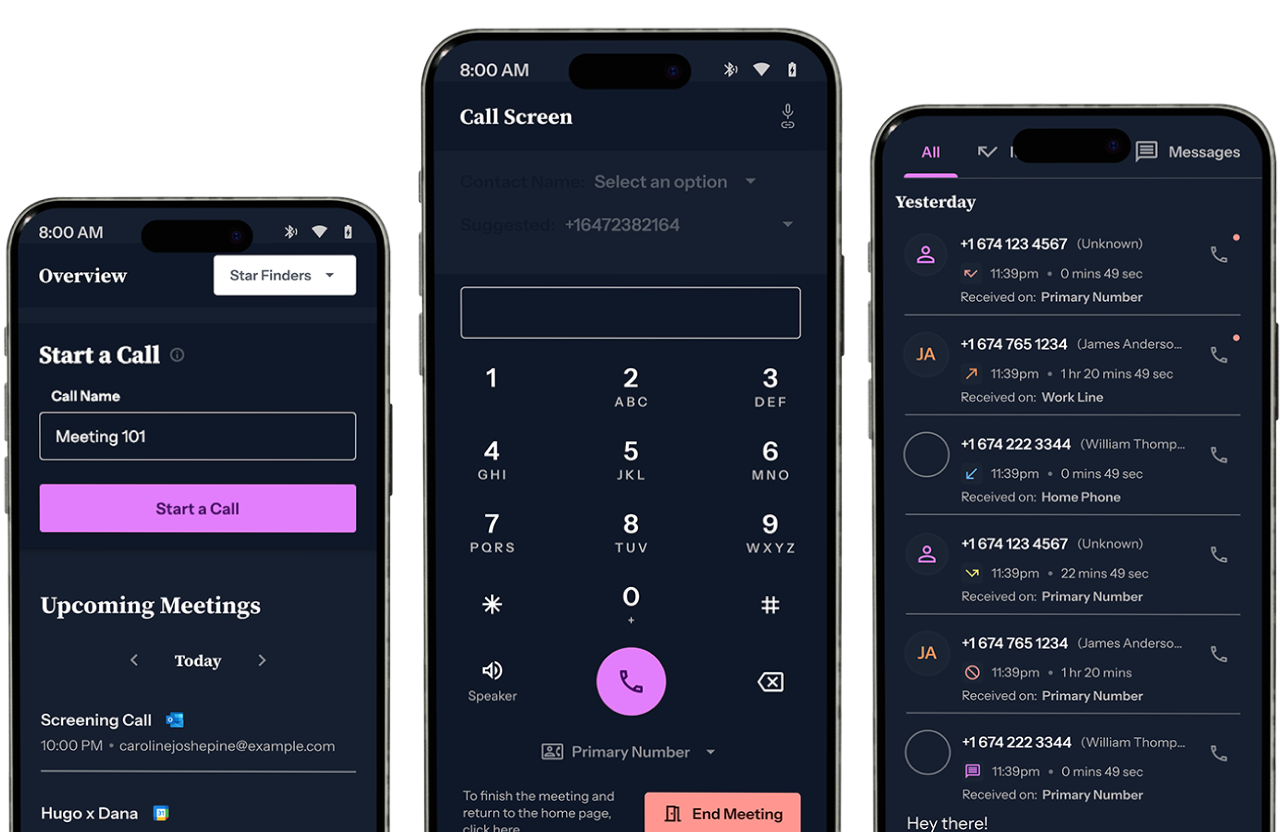
Recruiting doesn't just happen at a desk. With CoRecruit's mobile apps, you can take your AI assistant to the airport, car, or coffee shop.
Trusted by 1000s of recruiting teams
Capture everything
Automate the busywork
Own your data
See how recruitment teams make more placements
Book a demo and find out why recruitment agencies trust CoRecruit to reduce admin and move candidates faster.
Cookie Consent Required
To book a meeting, please accept cookies. This calendar requires cookies to function properly.










.svg)

%20LG.svg)

.svg)


