scroll icon
Scroll to see our services

AI in Recruiting

5 Best MCP Connectors for Executive Search (2026)

Josh Kirkham

Last updated:

September 2026

Read time:

mins

5 Best MCP Connectors for Executive Search (2026)

Executive search teams run on relationships, timing, and context. But the admin that follows every candidate call, client briefing, and reference check eats hours that could go toward closing placements. MCP connectors, short for Model Context Protocol connectors, are changing that by linking your AI assistant directly to your ATS and Microsoft Teams workflow. CoRecruit gives executive search teams the best MCP connector experience by automating notes, ATS updates, and candidate submittals the moment a call ends.

This article compares the most valuable MCP connector use cases for executive search, so you can evaluate which workflows save the most time across ATS integration, interview intelligence, and team collaboration.

5 best MCP connector use cases for executive search teams

  1. CoRecruit: The best overall MCP connector for automating ATS updates and interview notes across phone, video, and Microsoft Teams calls
  2. ATS Pipeline Automation: Moves candidate records forward in your pipeline based on conversation outcomes
  3. Interview Intelligence Capture: Records and structures recruiter-candidate conversations for searchable records
  4. Candidate Submittal Generation: Drafts client-ready write-ups from call transcripts without manual formatting
  5. Cross-Platform Data Sync: Connects scheduling, communication, and ATS tools into a single recruiter workflow

How we chose the best MCP connectors for executive search

Executive search is high-touch work where every detail matters. We evaluated MCP connectors based on criteria that align with how your team actually operates day to day.
  • ATS write-back depth: Does the connector push structured data into specific candidate fields, or just dump a transcript? You need fields like salary expectations, notice periods, and next steps filled automatically.
  • Phone and video coverage: Most executive search conversations happen on the phone or via Microsoft Teams. A connector that only handles Zoom misses the majority of your calls.
  • Recruiter adoption speed: If setup takes more than a day, your team is losing billable hours. We prioritized tools that run inside your existing workflow without process changes.
  • Candidate experience: Executive-level candidates expect discretion. We favored connectors that capture intelligence without a visible bot joining the call.
  • Data accuracy and consistency: MCP connectors should standardize how your team documents conversations so every recruiter's output meets the same quality bar.
  • Security and compliance: SOC 2 certification, GDPR readiness, and full data ownership are non-negotiable for executive search firms handling sensitive candidate information.

The 5 best MCP connector use cases for executive search teams

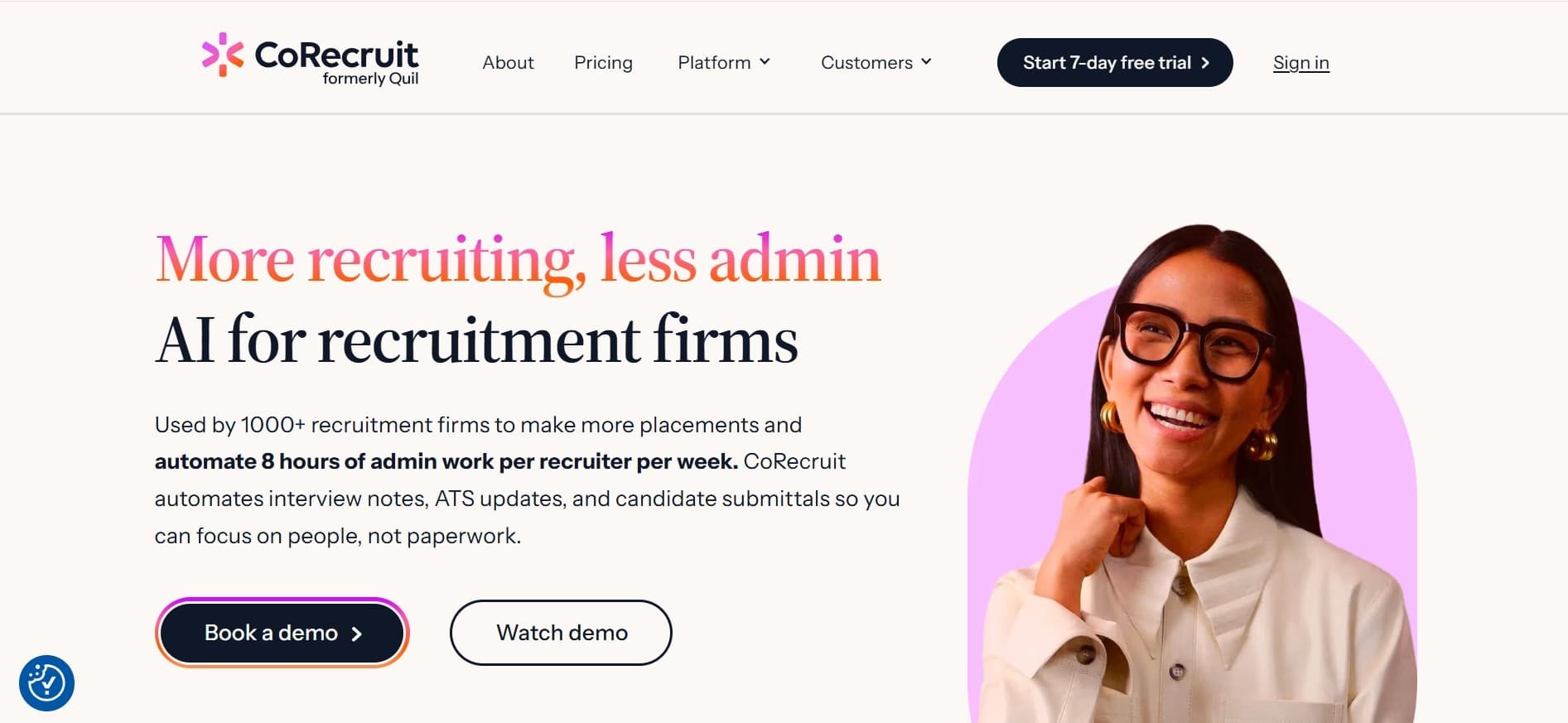
1. CoRecruit: best overall MCP connector for executive search automation

corecruit mcp connector

CoRecruit is built for the specific admin work that slows executive search teams down. The platform records every recruiter conversation, including phone calls, Microsoft Teams meetings, and in-person briefings, then generates structured notes and pushes them directly into your ATS.

What sets CoRecruit apart for executive search is the depth of its ATS integration. Instead of producing a generic summary, CoRecruit maps structured data to specific fields in your candidate records. That means salary expectations, key skills, availability, and next steps are already populated when you open the ATS record.

CoRecruit also generates candidate submittals from the interview itself. For executive placements where client presentations need to be polished and detailed, this cuts submittal prep from 30 minutes to a quick review. A 2026 study published in F1000Research found that AI significantly reduced time-to-hire and improved screening accuracy across 423 HR professionals surveyed, which aligns with how CoRecruit users report reclaiming 8+ hours per week.

CoRecruit features

  • Botless call recording: Captures audio from your device during phone, video, and Microsoft Teams calls without a visible bot joining. Your executive candidates never know there is an AI assistant on the line.
  • Direct ATS write-back: Syncs structured notes, custom fields, and attachments to Bullhorn, Vincere, Crelate, Loxo, and 40+ other ATS platforms.
  • Auto-generated submittals: Turns raw call content into branded, client-ready candidate presentations with video snippets and formatted resumes.
  • Custom note templates: Configure separate templates for screening calls, intake meetings, reference checks, and BD conversations so your interview intelligence is organized by call type.
  • Built-in VoIP: Includes unlimited US and Canada calling with built-in VoIP, so your entire phone workflow connects to one AI-powered system.

CoRecruit pros and cons

Pros:

  • Covers phone calls, video meetings, and in-person conversations in one tool
  • 73% of users report saving 4+ hours per week from day one
  • Native integrations with 40+ ATS platforms including Bullhorn and Vincere

Cons:

  • Designed specifically for recruiting workflows, so teams with general meeting needs may want a broader tool alongside it
  • Some advanced ATS field mappings require initial configuration during onboarding
  • Mobile app features continue to expand with each quarterly update

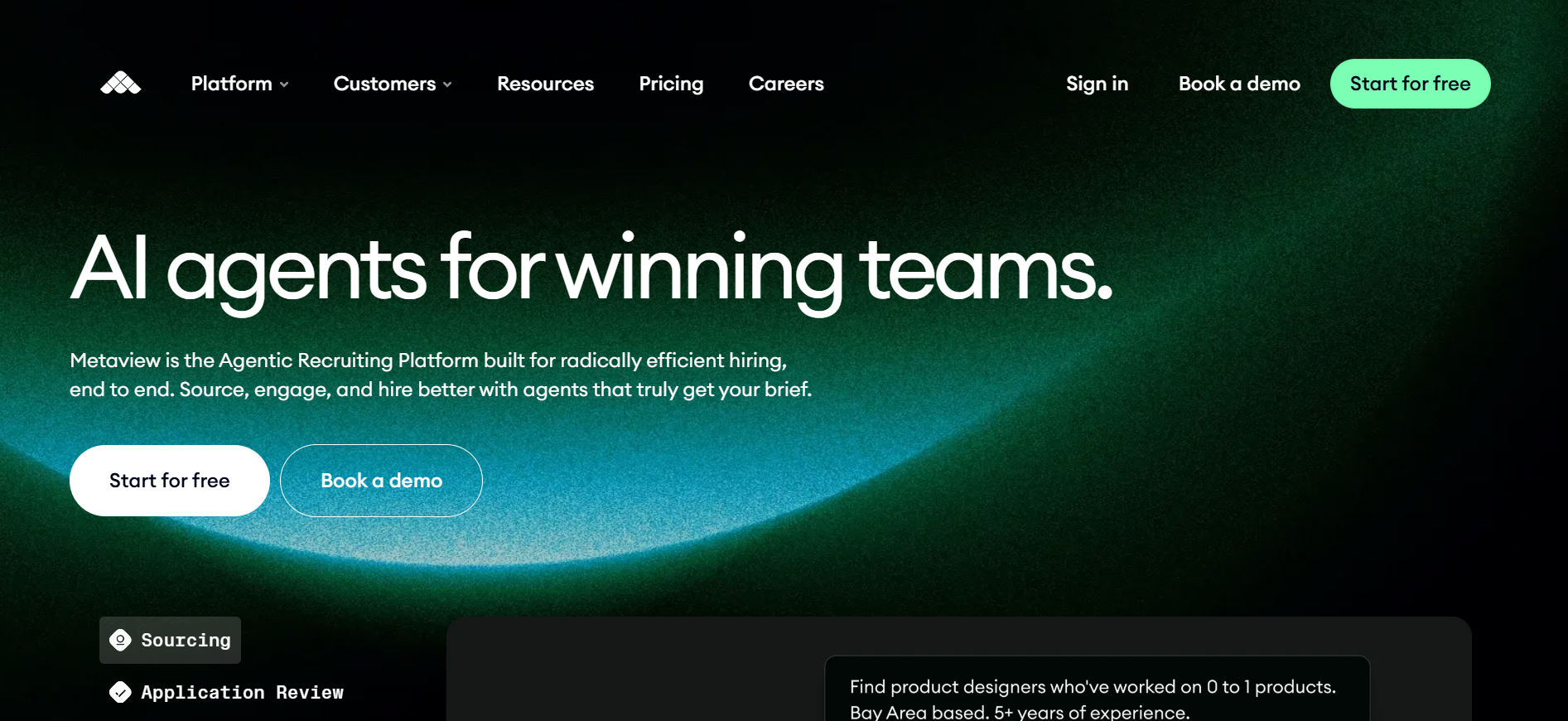
2. Metaview: interview transcription with recruiter-specific structure

metaview

Metaview records and transcribes recruiting conversations, then generates structured notes organized by candidate strengths, concerns, and next steps. The model is trained on recruiting-specific language, so it can tell the difference between a screening call and a reference check.

Metaview's MCP server, launched in March 2026, connects to Claude for querying interview data by role, candidate, or stage. This is useful for teams that want to ask questions across past interviews rather than manually reviewing transcripts one by one.

Metaview features

  • Recruiter-trained AI notes: Generates summaries organized around skills, red flags, and interview outcomes rather than generic topic headers.
  • Searchable transcript library: Pull exact quotes from past calls when preparing a candidate presentation or calibrating with your team.
  • ATS integration: Pushes notes to supported ATS platforms for record keeping.

Metaview pros and cons

Pros:

  • Purpose-built for recruiting conversation analysis
  • Customizable note templates by interview type
  • Natural language search across historical interviews

Cons:

  • Covers video meetings primarily rather than phone calls
  • ATS integrations are more limited than some alternatives
  • Does not generate candidate submittals from calls

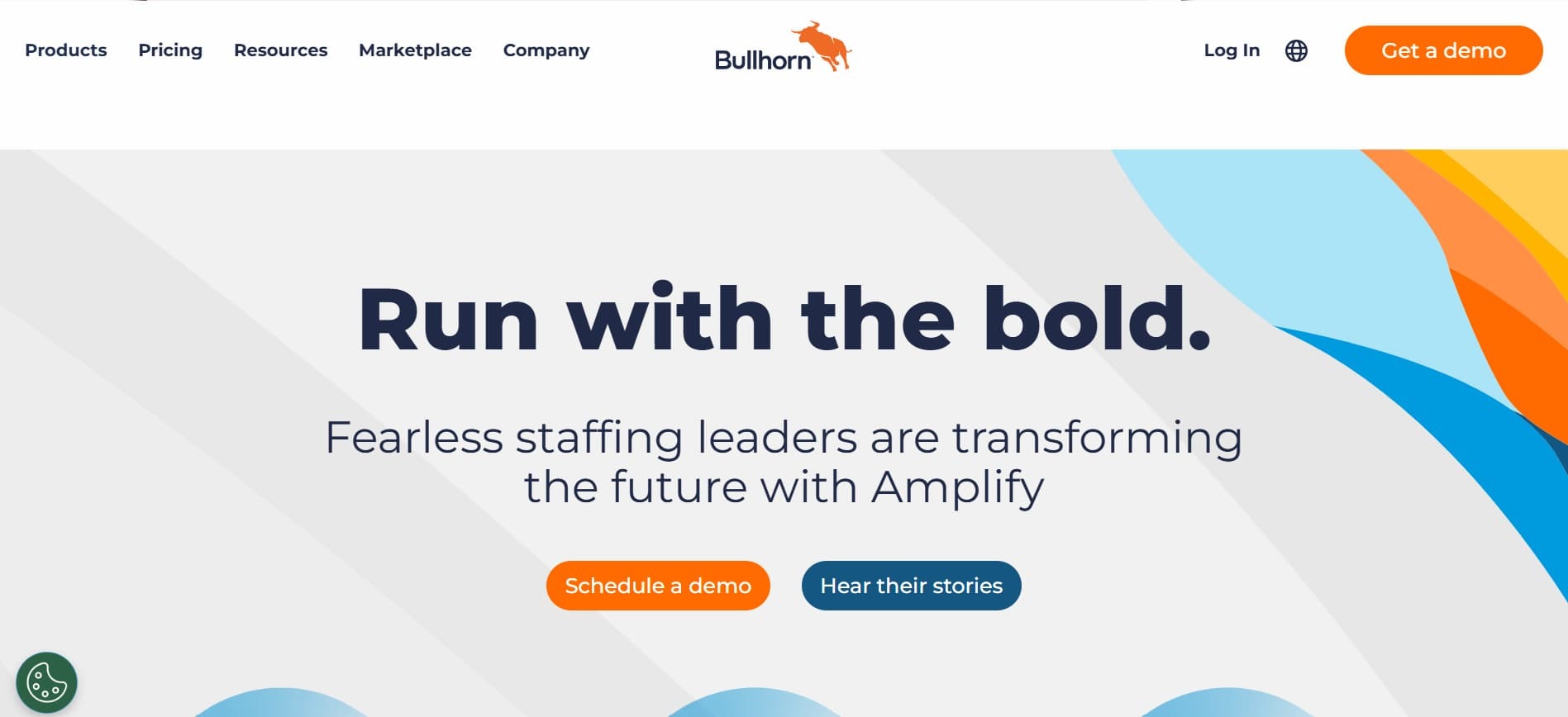
3. Bullhorn: ATS-native workflow automation with partner MCP access

bullhorn

Bullhorn has been a staffing industry ATS and CRM for years. Its Amplify AI features add candidate matching and workflow automation on top of the existing database. Community-built MCP servers now connect Bullhorn data to AI assistants like Claude, giving recruiters conversational access to candidate records and pipeline updates.

For executive search teams already running Bullhorn, the MCP layer lets you query your database, update candidate stages, and pull deal context through natural language prompts instead of clicking through forms.

Bullhorn features

  • AI candidate matching: Surfaces relevant profiles from the existing database when a new executive mandate comes in.
  • Workflow automation: Triggers follow-up actions when candidate stages change, keeping your pipeline moving without manual reminders.
  • Mobile access: Manage candidate records and client communications from anywhere.

Bullhorn pros and cons

Pros:

  • Long track record in the staffing industry with a large integration marketplace
  • Established training resources and community support
  • Database resurfacing helps executive search teams mine past candidates

Cons:

  • AI features require a separate Amplify subscription
  • MCP server is community-built rather than official, so maintenance varies
  • Interface includes a high number of configuration options, which may require dedicated admin support

4. ATS Pipeline Sync: automated stage updates after every call

One of the highest-value MCP connector use cases for executive search is automating pipeline stage updates. When a recruiter finishes a candidate screen or client briefing, the MCP connector reads the conversation context and moves the candidate record to the appropriate stage in your ATS.

CoRecruit handles this automatically. The moment a call ends, your candidate records move forward in the pipeline based on what was discussed. No clicking through dropdown menus, no forgetting to update a record before the weekend.

This matters for executive search because pipeline visibility directly affects client confidence. When a hiring manager asks for a status update, your ATS data reflects reality rather than whatever a recruiter remembered to log three days ago.

5. Cross-platform data sync: Microsoft Teams, ATS, and scheduling in one workflow

Executive search teams rely on Microsoft Teams for internal collaboration, client updates, and sometimes candidate interviews. An MCP connector that bridges Teams, your ATS, and your scheduling tools creates a single workflow where intelligence flows between systems automatically.

CoRecruit connects to Microsoft Teams alongside Google Meet, Zoom, and direct phone calls. It also syncs with Outlook and Google Calendar to detect upcoming interviews. The result is that every conversation, regardless of channel, gets captured, structured, and filed in the right candidate record.

For teams working across multiple communication platforms, this eliminates the problem of conversations happening off-platform and candidate context getting lost.

Comparison table: the best MCP connectors for executive search

Platform Phone Call Recording Auto ATS Write-Back Candidate Submittals
CoRecruit ✓ ✓ ✓
Metaview ✗ ✓ ✗
Bullhorn Via partners ✓ ✗

How do MCP connectors reduce admin time for executive recruiters?

MCP connectors cut admin time by removing the manual steps between finishing a call and updating your systems. In a typical executive search workflow, a recruiter finishes a 45-minute candidate conversation and then spends another 20 to 30 minutes typing notes, updating ATS fields, and drafting a client summary.

With an MCP connector like CoRecruit, those post-call tasks happen automatically. Notes are structured the moment the call ends. ATS fields are populated. The candidate submittal is ready for review. That time goes back into sourcing, business development, and candidate relationship building.

Over a five-day week, this adds up to 8+ hours reclaimed per recruiter, which is equivalent to a full extra working day.

What should executive search teams look for in a recruiting MCP connector?

The right MCP connector depends on where your team loses the most time. Start by mapping your recruiter's typical day and identifying the repetitive admin that adds zero pipeline value.

  • If post-call documentation is the bottleneck: Prioritize automatic transcription with ATS write-back. Your connector should fill specific fields, not just generate a wall of text.
  • If candidate submittals take too long: Look for AI-generated submittals that pull directly from the conversation, so your recruiters review and send instead of writing from scratch.
  • If your ATS data is inconsistent: Choose a connector that standardizes output across your team. When every recruiter's notes follow the same template, your database becomes a reliable sourcing channel for future searches.
  • If your team splits time between phone and video: Make sure the connector covers both. Most executive search happens on the phone, and a tool that only records video meetings misses the majority of your intelligence.

Why CoRecruit is the best MCP connector for executive search

CoRecruit is purpose-built for the recruiting workflows that executive search teams run every day. It captures intelligence from every conversation channel your team uses, including phone, Microsoft Teams, Zoom, and in-person meetings, and turns that intelligence into structured ATS data without any manual effort.

Where other tools stop at transcription, CoRecruit goes further by generating AI-powered candidate submittals, filling specific ATS fields, and keeping your pipeline stages current after every call. That depth of automation is what makes it the best choice for executive search teams that want to spend their time on relationships and placements, not data entry.

CoRecruit saves executive recruiters 8+ hours per week, cuts time-to-hire by 50%, and keeps your firm's candidate intelligence organized with searchable records of every conversation. Start your free trial and see the difference in your first week.

Table of Contents

Frequently asked questions

Can MCP connectors record phone calls for executive search?

Some can, but most only handle video. CoRecruit records phone calls, Microsoft Teams meetings, and in-person conversations through its desktop and mobile apps, giving your team full coverage across every communication channel.

Do MCP connectors work with Bullhorn and other executive search ATS platforms?

Yes. CoRecruit connects natively to Bullhorn, Vincere, Crelate, Loxo, and 40+ other ATS platforms. Structured notes, custom fields, and candidate submittals sync to your records the moment a call ends.

Are MCP connectors secure enough for confidential executive searches?

CoRecruit is SOC 2 Type II certified, GDPR compliant, and encrypts all data at rest and in transit. You retain full ownership of your firm's data, and individual recruiters can delete recordings at any time.‍

A unified recruiting workflow across every device

Stop letting your recruiting firm's most valuable data vanish when the call ends. CoRecruit unifies your video, mobile, and VoIP communications into a single stream of ATS-integrated intelligence.